Story Ideas using only your phone – ideas and examples you can post today
You do not need a camera, a laptop, or extra equipment to make good stories. Your phone already has everything you need: a camera, text tools, drawing tools, and simple editing options. The ideas below use only those built-in features.
Each idea works with your own photos and words, for your own public stories. No special apps and no complicated setup are required.
1. A photo with one bold sentence
Take a photo of something near you, then add one short sentence in large, readable text. The sentence should add meaning, not repeat what the photo already shows.
For example, a photo of a rainy window with the words "Slow afternoon, warm drink, good book" tells a small story at a glance. Keep the text away from the edges so it stays easy to read.
2. A before-and-after pair
Use two frames to show a change. The first frame shows the starting point, and the second shows the result. This works for cooking, tidying, drawing, gardening, or getting ready.
For example, show an untidy desk, then the same desk cleared and ready for work. Two frames are enough, and the contrast does the storytelling for you.
3. A close-up detail story

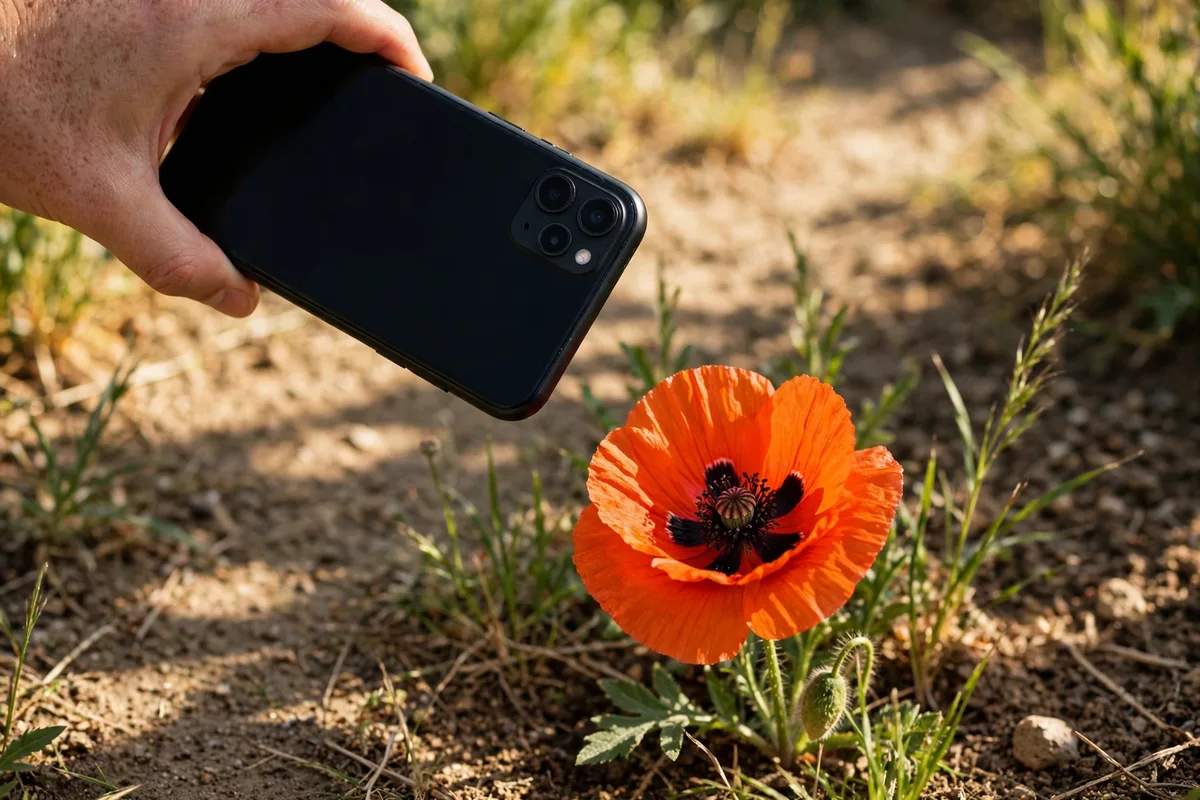
Instead of a wide scene, photograph one detail up close: the texture of a leaf, the pattern on a mug, or the stitching on a bag. Add one sentence about why you noticed it.
Close-up photos look intentional even when they are taken quickly. They also help viewers slow down and look more carefully at ordinary things.
4. A handwritten note photo
Write a short note by hand, photograph it, and post the photo as a story. It could be a quote you like, a reminder for the day, or three things you are grateful for.
Handwriting feels personal and warm. Keep the note short, write clearly, and check that no private information, such as addresses or passwords, appears in the frame.
5. A phone-only time-lapse feel

You can suggest movement without video editing by posting three photos taken a few minutes apart. For example, show a sky at the start of a walk, halfway through, and near the end.
Add a short caption to each frame, such as "Leaving", "Halfway", and "Almost home". The sequence creates a sense of journey using only still photos.
6. A simple poll made with text
Even without fancy tools, you can invite choices. Post a photo and ask viewers to reply with A or B, such as "A: morning walk" or "B: evening walk".
This is easy to make on a phone and easy for viewers to answer. Later, share the result in one follow-up frame, such as "Most of you chose the morning walk."
7. A phone photo edit showcase
Take one ordinary photo and show a simple edit: brighter light, a warmer tone, or a tighter crop. Post the original and the edited version side by side, or in two frames.
Explain in one line what you changed, for example: "Same photo, just brighter and cropped closer." This teaches viewers a useful skill while using only your phone.
Posting checklist
- Hold your phone steady and tap to focus before shooting.
- Wipe the lens if the photo looks cloudy.
- Keep text large, short, and away from screen edges.
- Check the frame for private details before posting.
- Use your own photos and your own words only.
- Post only public moments you are happy to share widely.
Frequently asked questions
Do phone stories look good enough?
Yes. Good light, a clear subject, and short text matter far more than expensive equipment. Many popular stories are shot entirely on a phone.
What is the easiest phone-only idea?
A single photo with one sentence is the easiest place to start. It takes a minute, needs no editing skill, and still feels complete.
How do I avoid blurry phone photos?
Hold the phone with both hands, tap the subject to focus, and wait a second before pressing the shutter. Bright, natural light also helps a lot.
Should I use filters on phone stories?
A light edit is fine if it keeps the photo natural. Avoid heavy filters that hide colours or make text hard to read.
Closing
Your phone is already a complete story studio. Start with one photo and one sentence, then try a pair of frames or a simple question. Small, phone-only stories are often the most honest, and the most enjoyable to make.
One useful habit is to keep a small folder of spare photos on your phone: a favourite walk, a good meal, or a calm morning scene. On days when you cannot take a new photo, a spare image plus a fresh sentence still makes a complete, original story.
Related posts in this series
- Story Ideas for new followers
- Story Ideas for loyal followers