Story Ideas with video – ideas and examples you can post today
Introduction
Video stories add movement, sound, and personality that a still photo cannot. A few seconds of real motion can make an everyday moment feel alive.
You do not need editing skills or special equipment. Most strong video stories are short, steady, and focused on one action. The ideas below show how to capture those moments well.
Each idea includes a concrete example, so you can try one today with just your phone.
1. The quick process clip

Film a short process from start to finish. Pouring coffee, folding a shirt, watering plants, or sketching a line all make satisfying short clips.
Example: a ten-second clip of batter being poured into a pan, captioned "Pancake Sunday begins." Viewers enjoy watching something take shape, even in a few seconds.
Film in one steady take if you can. Simple, uncut clips often feel more genuine than heavily edited ones.
2. The point-of-view walk
Hold your phone steady and film a short walk through a place you like. A market lane, a garden path, or a quiet street can feel immersive.
Example: a slow clip walking past flower stalls, captioned "Morning market, no talking, just colours." The viewer feels as if they are walking beside you.
Walk slowly and keep the phone level. Shaky, fast footage is hard to watch, even when the location is beautiful.
3. The timelapse story
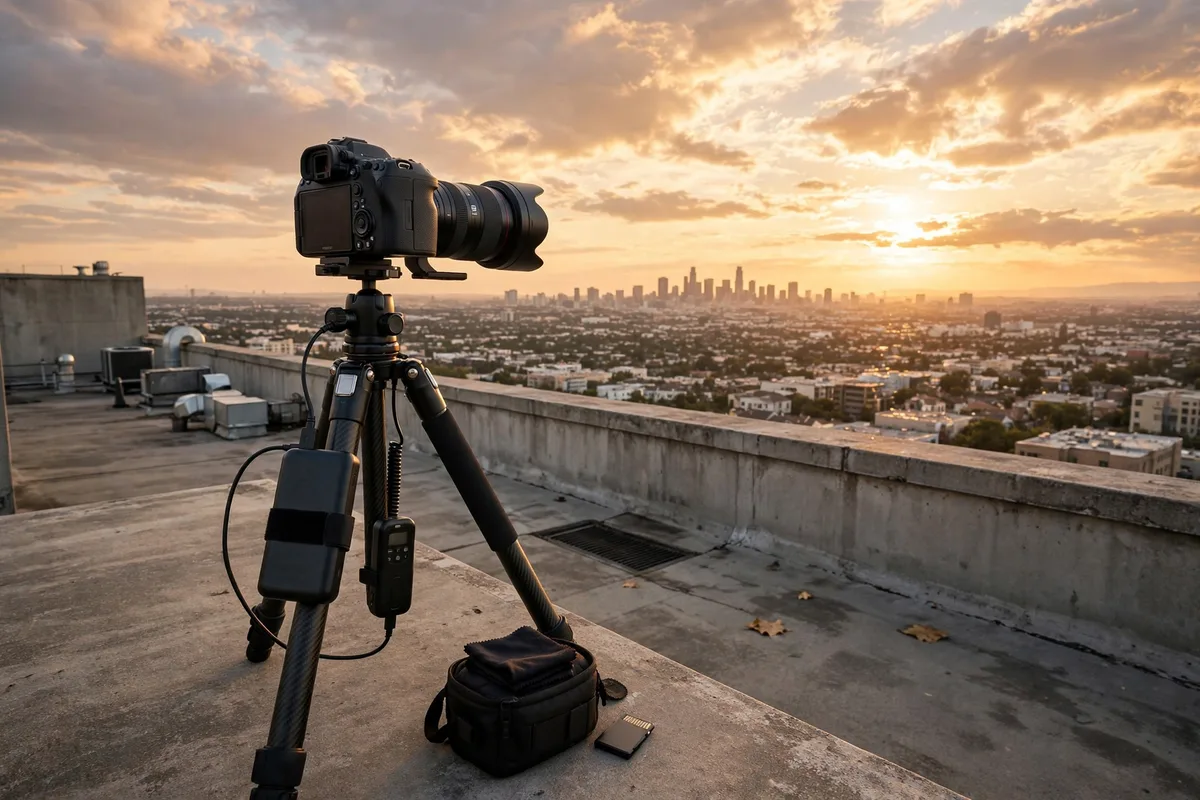
A timelapse compresses a slow change into a few seconds. Clouds moving, a room tidying up, or dough rising all become strangely satisfying.
Example: a timelapse of your desk going from messy to organised, captioned "Fifteen minutes in fifteen seconds." The contrast between the two states gives the clip a clear payoff.
Set the phone on a stable surface before you start. A fixed angle is what makes a timelapse look clean.
4. The talking-head tip
Speak directly to the camera for fifteen to thirty seconds and share one useful tip. Keep it to a single point so viewers can remember it.
Example: a short clip where you say, "If your plant leaves droop, check the soil before watering again. Dry on top does not always mean dry below." One tip, clearly explained, beats a rushed list of five.
Look at the camera, speak slowly, and smile naturally. A calm delivery builds trust quickly.
5. The behind-the-scenes clip

Show a small part of how you make something. Packing an order, setting up a workspace, or preparing ingredients all give viewers a peek behind the curtain.
Example: a clip of you arranging products in a box with tissue paper, captioned "Packing today's orders." People enjoy seeing care and effort that usually stays hidden.
You do not need to reveal everything. One honest glimpse is enough to make the work feel real.
6. The reaction or first-try clip
Film your genuine reaction to trying something new. Tasting a recipe, opening a book, or testing a gadget all work when the reaction is honest.
Example: a clip of you tasting a new soup recipe, laughing, and saying, "Needs more lemon, but we are close." Imperfect results are often more enjoyable than perfect ones.
Keep it light and kind. A first-try clip should entertain, not embarrass anyone, including yourself.
Posting checklist
- Keep clips short: one idea per video.
- Hold the phone steady or rest it on a surface.
- Check the sound before posting, especially for talking clips.
- Add captions or text for viewers watching without sound.
- Make sure everyone visible is comfortable being in a public story.
- Preview the full clip once before sharing it.
Frequently asked questions
How long should a video story be?
Short is usually better. Fifteen to thirty seconds is enough for one idea. Longer clips risk losing viewers unless every second adds something new.
Do I need to edit my video stories?
Not necessarily. A steady single take often works well. Simple trims at the start and end are enough for most clips. Save complex editing for longer videos.
What if my video looks shaky?
Rest your phone on a table, a wall, or a stack of books. Walking slowly also helps. If a clip is too shaky to watch comfortably, refilm it rather than posting it anyway.
Should I add text to video stories?
Yes, a short caption helps viewers who watch without sound. One or two lines explaining the clip are enough. Avoid covering the main action with large text blocks.
Related posts in this series
- Story Ideas with quizzes
- Story Ideas for beginners
Closing
Video stories reward simplicity. One steady clip, one clear idea, and a short caption are all you need. Try a process clip or a short tip today, and you will see how much life a few seconds of video can add. If the first attempt feels awkward, film it again rather than abandoning the idea. Most creators improve quickly once they stop aiming for perfection and start sharing small, genuine moments regularly.