Creator Stories with stickers – ideas and examples you can post today
Introduction
Stickers are the small interactive pieces that turn a story from something followers look at into something they can touch: polls, questions, emoji sliders, countdowns, mentions, and location tags. Used well, they invite participation without demanding much from the viewer, and they give creators a simple way to learn what their audience thinks, feels, and wants next.
Stickers fail when they are scattered across a frame like confetti, with no clear purpose, or when every story carries five of them at once. Each sticker should have a job: one asks a question, one measures a reaction, one counts down to something real. The ideas below show how to use stickers deliberately, one or two at a time, so your stories feel interactive rather than cluttered.
1. Combine two stickers that serve one idea
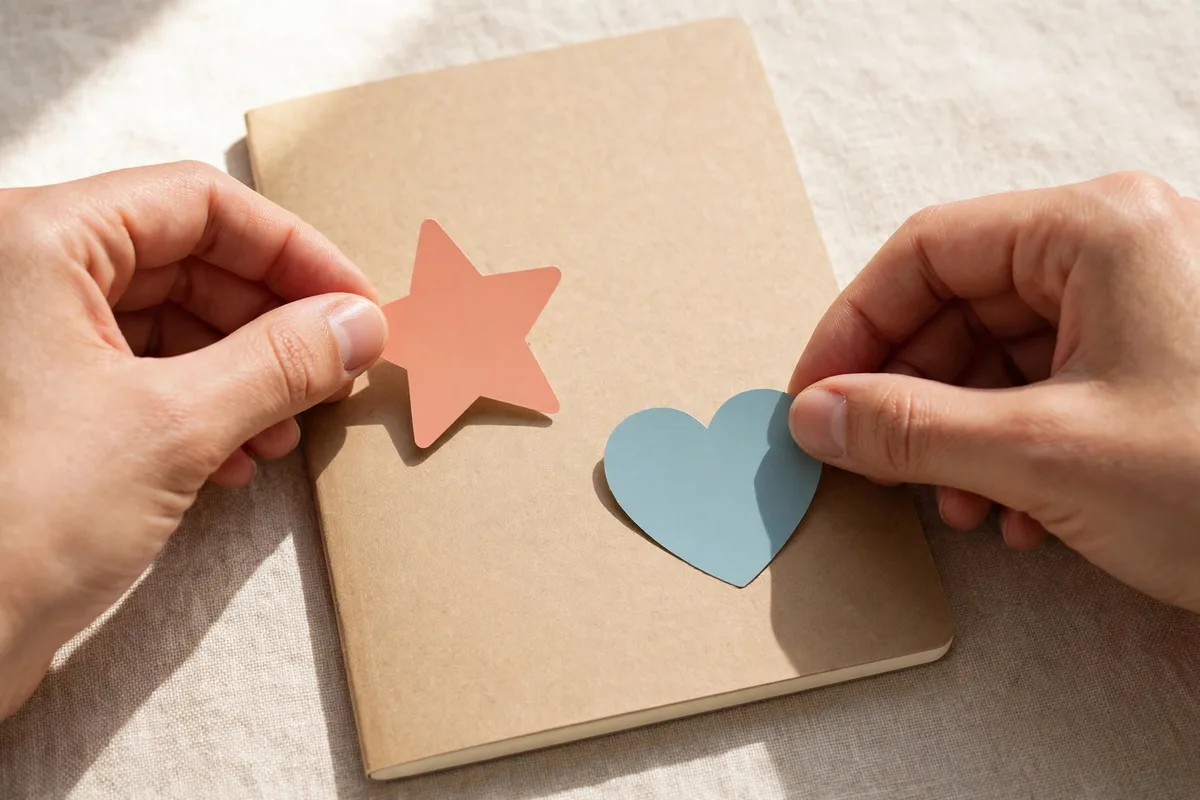
A story works best when its stickers pull in the same direction. Pair a poll with an emoji slider on the same theme, or a question sticker with a countdown to the answer, so the follower's interaction feels like one conversation rather than several unrelated prompts. Two stickers with one purpose feel designed; five stickers with five purposes feel noisy.
Example: a musician announcing a new song might post the cover art with a countdown to release day and an emoji slider asking how excited followers feel. Both stickers point at the same event, the slider measures feeling while the countdown builds anticipation, and the follower understands instantly what the story is about.
2. Use location and mention stickers to give context
Location and mention stickers quietly add useful information to a story without taking up caption space. A location tag tells followers where a photo was taken, which matters for travel, food, and event creators, while a mention credits a collaborator, a supplier, or a friend whose work appears in the frame. Both stickers also help the right people discover the story.
Example: a market-stall creator photographing fresh produce might add the market's location tag and mention the farm that grew the vegetables. Followers who want to visit get the place, the farm gets credit, and the story gains context that a caption alone would have taken several lines to explain.
3. Build anticipation with a countdown sticker

Countdown stickers turn a future event into something followers can watch approach. Set the countdown for a genuine moment: a launch, a reveal, a live session, a finished project, or a regular series returning after a break. Remind followers once or twice as the date nears, but avoid counting down to something trivial, because a countdown that ends in nothing teaches followers to ignore the next one.
Example: a potter preparing a kiln opening might set a countdown to the morning the kiln is unloaded, then post a short teaser each day as the number falls. By opening day, followers who followed the countdown feel they have waited alongside the creator, and the reveal story lands with an audience already paying attention.
4. Measure feeling with an emoji slider
An emoji slider asks followers how they feel rather than what they think, which makes it perfect for reactions to new work: a finished painting, a new recipe, a first draft, a redesigned room. The slider is effortless to use, so even quiet followers who never write replies will drag it, giving you a quick read on how a piece landed.
Example: an illustrator posting a new character design might add a heart-eyes slider beneath it with no other question. The average position of the slider tells the illustrator whether the design delighted people, and the individual responses identify which followers reacted most warmly, which is useful knowledge for future posts.
5. Layer stickers carefully so the photo stays visible
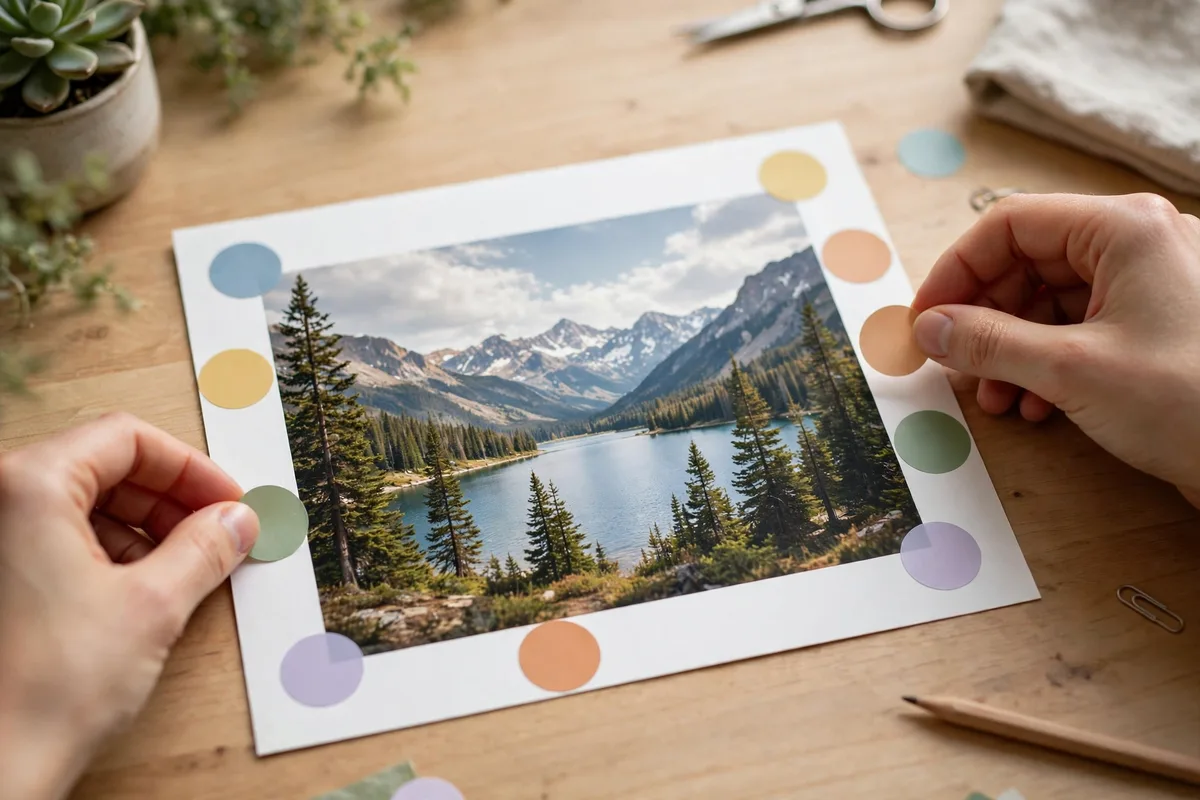
Stickers should decorate a story, not bury it. Place them near the edges of the frame, keep the main subject uncovered, and limit yourself to two stickers per frame at most. If a sticker hides the face of a finished piece or covers the words that explain it, move it or remove it; the photo or message underneath is always more important than the decoration on top.
Example: a gardener posting a photo of a blooming rose might place a small emoji slider in a lower corner, clear of the flower itself, and leave the rest of the frame untouched. The rose remains the star, the slider invites a reaction without competing for attention, and the story feels polished rather than pasted over.
Posting checklist
- Give every sticker one clear job on the frame.
- Use at most two stickers per frame, never a scattered handful.
- Pair stickers that serve the same idea, such as countdown plus slider.
- Place stickers near edges so the main subject stays visible.
- Set countdowns only for genuine events worth anticipating.
- Credit collaborators and places with mention and location stickers.
- Check the frame at a glance: subject clear, stickers readable, nothing hidden.
Frequently asked questions
How many stickers should I use on one story?
One or two is ideal. More than that clutters the frame, hides the photo underneath, and confuses followers about what you actually want them to do.
Do stickers actually increase engagement?
They can, because they lower the effort of responding to a single tap or drag. But stickers only help when the question or reaction they invite is genuine; decorative stickers with no purpose get ignored like any other filler.
Should every story have a sticker on it?
No. Stories that simply show beautiful work or tell a short story often need no sticker at all. Save stickers for moments when you genuinely want a reaction, a vote, or a countdown.
How do I make creator stories with stickers work well?
Give each sticker a purpose, keep to one or two per frame, place them where they never hide the subject, and use countdowns only for real events. Stickers should invite interaction, not decorate for its own sake.
Closing
Stickers work when they are chosen, not scattered: one purpose per sticker, one or two per frame, placed where they never hide the work underneath. Use them to ask, measure, count down, and credit, and your stories become places where followers can take part instead of just looking on.
Related posts
- Creator Stories with polls – ideas and examples you can post today
- Creator Stories with music – ideas and examples you can post today