Story Privacy And Safety for tutorials – ideas and examples you can post today
Introduction
Tutorial stories are meant to teach, and teaching on camera invites a particular kind of exposure. You film your screen, desk, hands, and voice, often for longer than an ordinary story, and every second is a chance for a private detail to slip in: a notification, an open tab, a file name, a password prompt, or a personal photo in the background. Tutorials also stay useful for months, so a leaked detail can keep circulating long after you have forgotten the story.
1. Prepare a clean teaching screen before you record
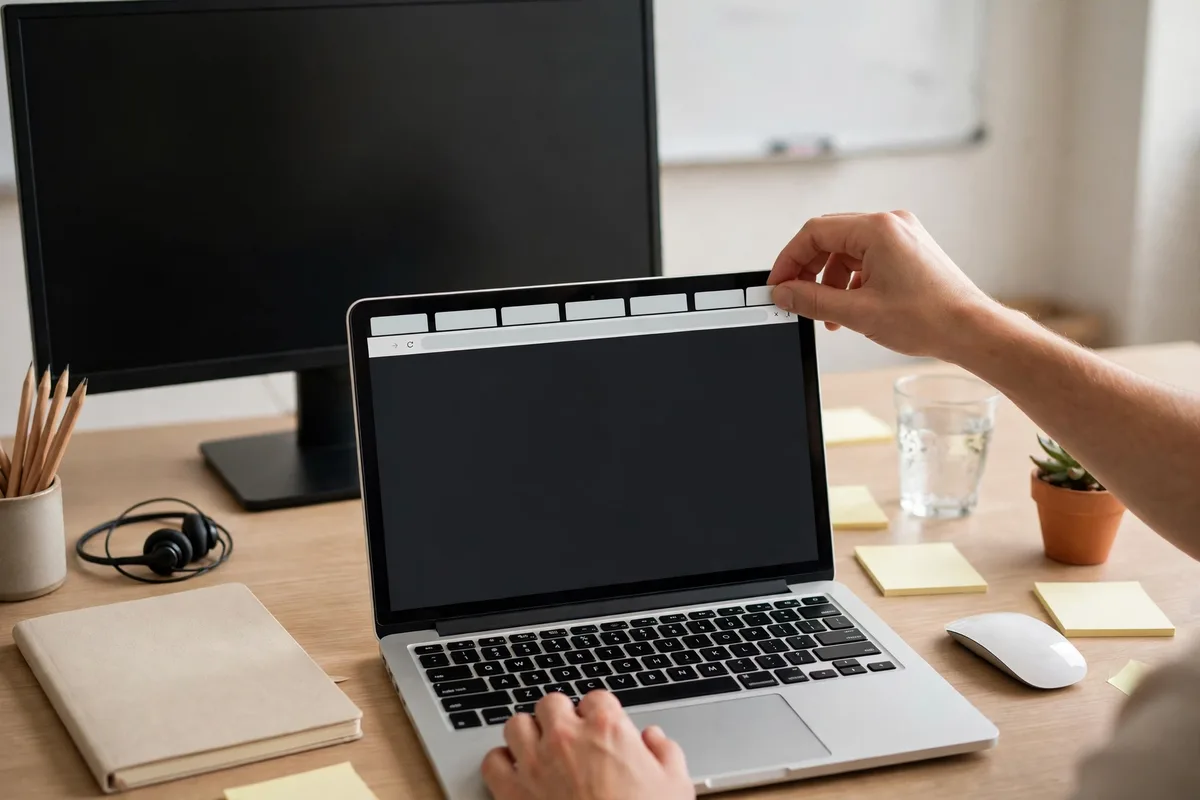
Never record a tutorial on your everyday screen. Open a clean browser profile or fresh desktop, close email, messages, and personal tabs, and hide bookmarks revealing personal accounts. Turn on do-not-disturb mode so notifications do not pop up mid-recording with a sender's name, a private message preview, or a banking alert. One cooking creator recorded a recipe tutorial and only later noticed a private message notification flashing across the screen. She re-recorded with do-not-disturb on and a clean profile.
2. Use example data, never your real data
Tutorials often need example information: a name, an address, an email, or a payment detail. Use invented examples every time, and make them obviously invented. Real data, even partially hidden, can be pieced together, and viewers may copy a real-looking example into their own work. A finance creator teaching budgeting used her own bank app with amounts blurred, and viewers still guessed her income from visible categories. She switched to a demo spreadsheet with invented figures.
3. Check what your camera sees beyond the lesson
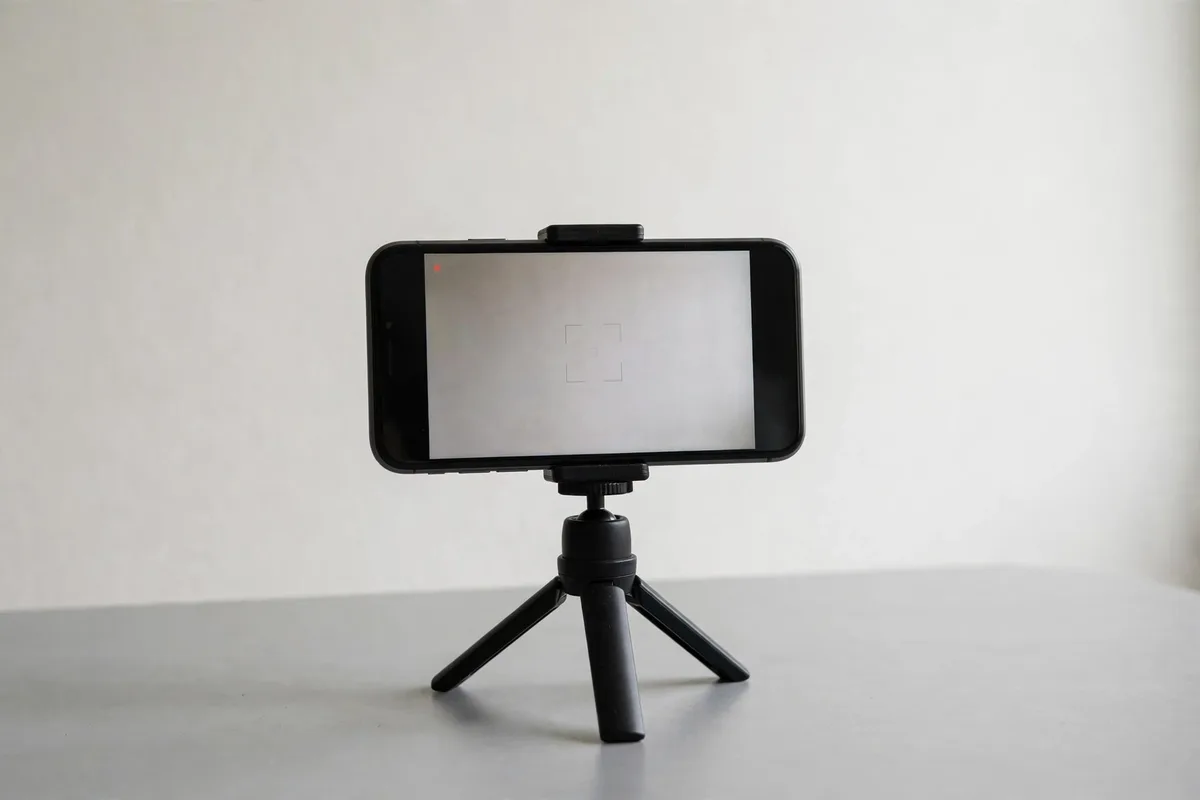
Tutorial cameras point at desks, kitchens, studios, and whiteboards, and those spaces contain personal material: letters, diaries, children's schoolwork, medication, or a calendar with appointments. A tutorial about knitting can accidentally publish a medical letter on the table behind the yarn. Before recording, clear everything from the camera's view except the tools for the lesson. One art teacher filmed a painting tutorial and later spotted her home address on an envelope pinned to a board behind her. She removed the board and replaced it with a plain backdrop, which also made her paintings stand out more.
4. Protect your voice, your students, and your comments
Tutorial voiceovers reveal more than words: a child's voice in the background, a partner calling your full name, or a phone conversation in the next room. If you teach from home, record voiceovers when the house is quiet, or re-record audio separately. The same care applies to students and commenters. Never read out a follower's private message, full name, or personal story in a tutorial without explicit permission, even if the message was kind. One tutor read a student's question aloud, including full name and school, and the student was embarrassed at school the next day. Paraphrase questions, and use first names only with permission.
5. Keep passwords, logins, and security steps out of tutorials
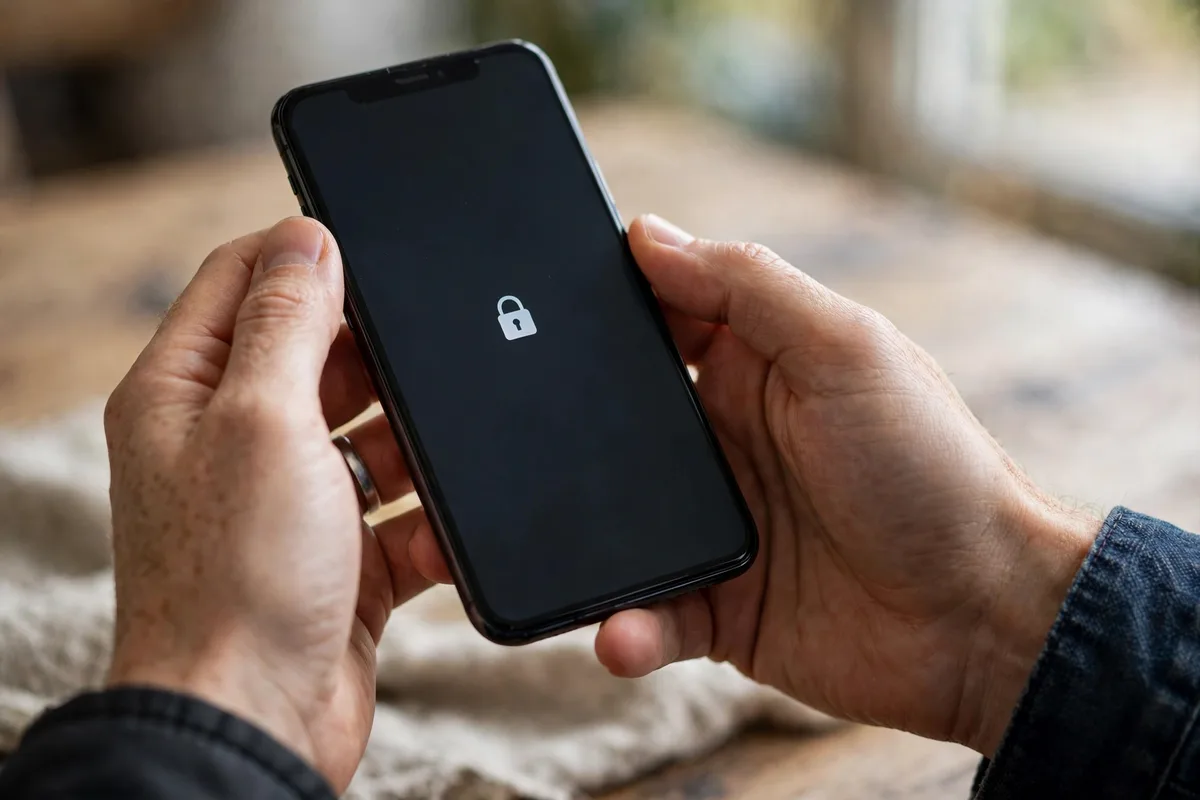
Some tutorials touch on accounts, apps, or settings, and the temptation is to demonstrate a real login on camera. Do not. Passwords can be captured from a single frame, security questions can reveal personal answers, and a demonstration login can expose your username and email. Use a demo account created for teaching, with no personal data and no payment method attached, or describe the steps without logging in at all. A tech creator teaching photo editing used a demo account with sample photos, and viewers could follow every step without ever seeing her personal library.
6. Review tutorials as a student would, before publishing
Because tutorials are longer and more detailed than ordinary stories, they deserve a longer review. Watch the finished tutorial once as if you were a stranger: pause on each screen, read every visible word, listen to every background sound, and check captions for personal details you typed without thinking. One creator caught a room reflection during exactly this kind of review.
Posting checklist
- Record on a clean profile with do-not-disturb on, personal tabs closed, and bookmarks hidden.
- Use invented example data for every name, address, email, and payment detail.
- Clear the camera frame of letters, diaries, schoolwork, calendars, and medication.
- Record voiceovers quietly, and paraphrase follower questions without full names or private details.
- Never demonstrate a real login; use a demo account or describe the steps instead.
- Watch the finished tutorial once as a stranger, pausing on each screen and caption.
Frequently asked questions
Can I blur my real data in a tutorial instead of using fake data?
Fake data is safer. Blurs can be incomplete, misread, or removed, and a partially visible real detail can still identify you. Invented examples are clearer for learners and carry no risk, so there is no advantage to using real data.
What if a notification appears during a tutorial recording?
Stop, delete that take, and re-record with do-not-disturb enabled. Do not rely on covering the notification in editing, because a single frame can still be screenshotted. A clean re-recording takes minutes and removes the risk entirely.
Should tutorial stories include my face?
That is a personal choice, not a safety requirement. If you show your face, keep the background plain and the frame tight. If you prefer not to, hands-only tutorials work beautifully for crafts, cooking, and drawing, and they protect your identity as well as your space.
How long should I keep tutorial stories visible?
Tutorials age well, so highlights are useful, but review them periodically. A tutorial that was safe when posted can become risky if your circumstances change, such as a new job or move. Check highlights every few months and delete anything that no longer feels safe.
Closing
Safe tutorials are clear tutorials. A clean screen, invented examples, a cleared frame, quiet audio, demo accounts, and one careful review as a stranger will protect your privacy without weakening your teaching. Each step also makes the lesson easier to follow, because viewers see only what they need to learn. Teach what you know, show only what the lesson needs, and let your tutorials stay useful for months without a single private detail you wish you had removed.
Related posts
- Story Privacy And Safety for behind the scenes – ideas and examples you can post today
- Story Privacy And Safety for before and after – ideas and examples you can post today