
Story Privacy And Safety for announcements – ideas and examples you can post today
Introduction
Announcements feel like they should be big and complete: the new job, the new home, the new business, the new chapter. That instinct to share everything at once is where privacy slips happen. A new-job announcement can reveal your employer, office, and start date; a new-home one can reveal your neighbourhood before you have changed the locks; a business one can expose suppliers or your personal phone number. A safe announcement is not a smaller celebration. It is a celebration edited so the news lands fully while misusable details stay out.
1. Announce the news, not the paperwork behind it

Every announcement has a public layer and a private layer, and most mistakes come from sharing both. The public layer is the news: a new role, project, or product. The private layer is the paperwork: the contract, offer letter, lease, licence, or invoice. Never photograph documents, even partially covered, because a visible logo, reference number, signature, or barcode can help someone impersonate you. One creator posted a photo holding a welcome letter, and followers read her employer's name, department, and start date from it. She deleted the frame within an hour, but screenshots had spread. Now she announces with a portrait and a line about the work, keeping every document out of frame.
2. Delay location announcements until you are settled and secure
Moving announcements are the riskiest kind, because they combine a place with a timeline. Announcing you have just moved, with a photo of your new street, building entrance, or balcony view, tells strangers where you live at the exact moment you are least settled. Announce the move in general terms first, such as excited to start a new chapter in a new city, and share neighbourhood content only weeks later, once you know the area and have security in place. One family announced their move a month after arriving, with indoor photos showing no windows, street views, or house numbers. Delay does not diminish joy; it protects the moment when you are most exposed.
3. Get consent before announcing anything that involves other people

Many announcements involve someone else: a partner, team member, collaborator, or client. Announcing their name, photo, or role without asking can embarrass them, expose them to unwanted contact, or breach a workplace agreement. Before tagging anyone, ask directly whether they are happy to be named, photographed, and tagged for your whole audience. One business owner tagged a new partner, only to learn the partner's employer had a strict social media policy and the tag caused trouble at work. Now she sends the draft and photo first and asks: are you happy with both. That message takes two minutes. If someone hesitates, announce without them or delay until they are ready.
4. Keep contact details out of announcement frames
Announcement excitement often leads creators to add a phone number or email directly onto the story frame, and that detail then circulates far beyond the intended audience. A personal phone number posted in an announcement can be harvested and spammed within hours, and is very hard to change once it is out. Use a business contact route instead, such as a contact form or dedicated business email you can close if abused. One tutor announced availability with her personal number on the frame and spent weeks fielding calls at all hours from strangers who screenshotted the story. She now routes every enquiry through a form. Announcements should open a door you control, not hand out a key to your private life.
5. Watch for impersonation after a big announcement
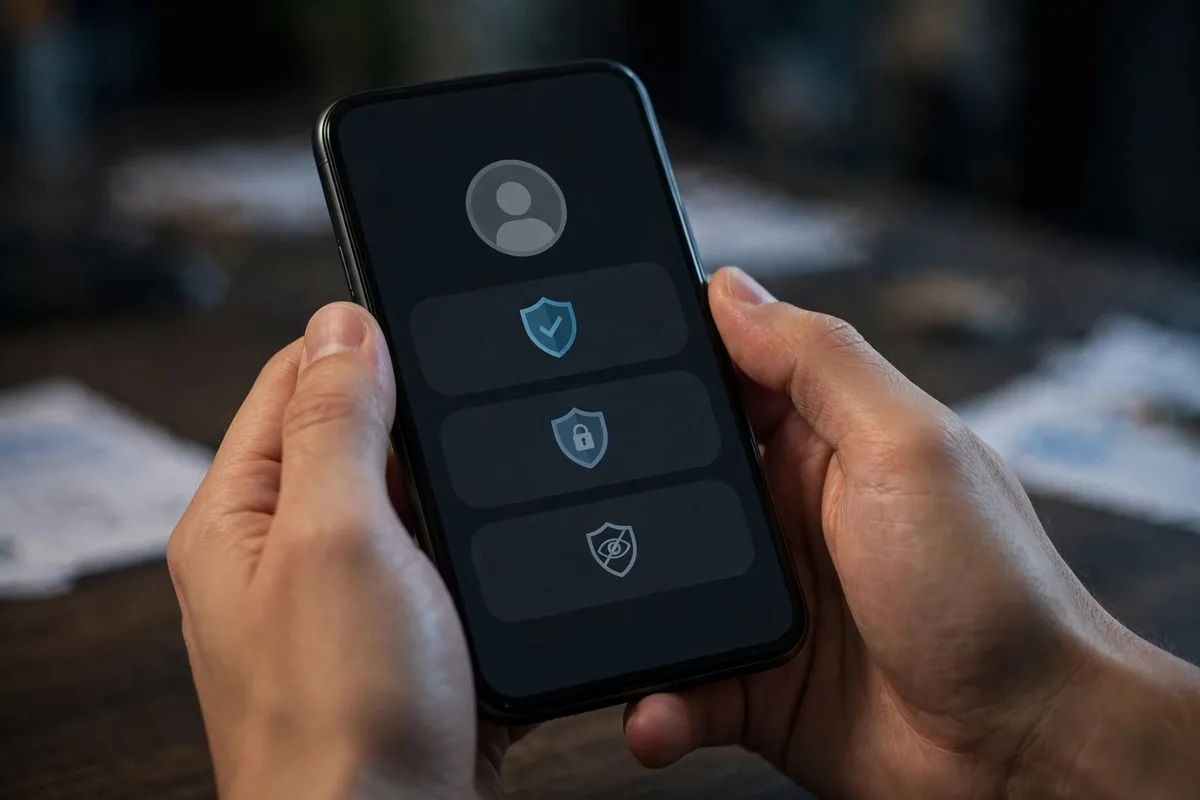
Big announcements attract impersonators. When you announce a business, giveaway, or course, fake accounts may copy your name and photo, then message your followers pretending to be you. Prepare before you post: tell your audience in the announcement how you will contact them, such as I will never ask for payment in direct messages. After posting, check for copycats, report impersonators, and warn followers if a fake appears. One creator found three impersonator accounts within a day of a product announcement, but because she had already said she never offers discounts by message, most followers recognised the scam. An announcement is also a security briefing.
Posting checklist
- Share the news, never the document: no offer letters, leases, or certificates in frame.
- Delay moving announcements until settled, and keep street views and house numbers out of photos.
- Ask every person named or tagged for explicit consent first.
- Never put a personal phone number or email on an announcement frame.
- Warn your audience how you will and will not contact them, to block impersonators.
- Split celebration from logistics, and send practical details privately.
Frequently asked questions
Can I announce a new job on my story?
Yes, if you keep it general. Share the kind of work and why you are excited, but leave out the office location, department details, start date, and any document or badge photo. Check your employer's social media policy first.
How long should I wait before announcing a house move?
A few weeks after you are settled. Announce it in general terms first, then share home content later. Never include street views, building entrances, house numbers, or balcony views.
Should I tag people in an announcement?
Only with explicit consent. Send the draft and photo first and ask whether they are happy to be named and tagged. If they hesitate, announce without tagging them.
What should I do if a fake account copies my announcement?
Report it, warn your followers in a follow-up story, and remind them how you actually contact people. Stating your contact rules in the original announcement makes fakes easier to spot.
Closing
Announcements deserve to be celebrated loudly and protected carefully. Share the news without the paperwork, delay location news until you are secure, get consent from everyone involved, keep personal contact details out of frame, and prepare your audience for impersonators. Your followers will still feel the excitement, and misusable details stay with you and the people who genuinely need them.
Related posts
- Story Privacy And Safety for milestones – ideas and examples you can post today
- Story Privacy And Safety for countdowns – ideas and examples you can post today