Story Privacy And Safety for beginners – ideas and examples you can post today
Introduction
If you are new to stories, privacy can feel like a maze of settings you never asked for. The good news is that protecting your own stories comes down to a handful of simple habits, learned once and repeated before every post. This guide explains those basics in plain language, so you can share freely without sharing more than you meant to.
1. Start with your account setting, not the story itself

Before you worry about any single photo, decide who your account is for. A public account means anyone can see your stories, while a private account limits them to people you have approved as followers. Neither choice is right for everyone, but you should make it deliberately. A beginner named Sara set her account to private for her first month, simply so she could practise posting without an unknown audience watching her learn. Later, when she wanted to grow, she switched to public with her eyes open. Check this setting first, because it shapes every story that follows it.
2. Learn Close Friends before you need it
Close Friends is a small list you choose yourself, and it lets you share a story with only those people instead of all your followers. Think of it as a smaller room inside your account. You might put your siblings and two closest friends on the list, and use it for a birthday surprise, a rough first draft of a project, or a photo from a family gathering. One beginner used it for a story about a new job before the news was public, so she could celebrate without announcing anything to her whole follower list. Build your list slowly, and review it whenever a friendship changes.
3. Hide a story from one person without a fuss
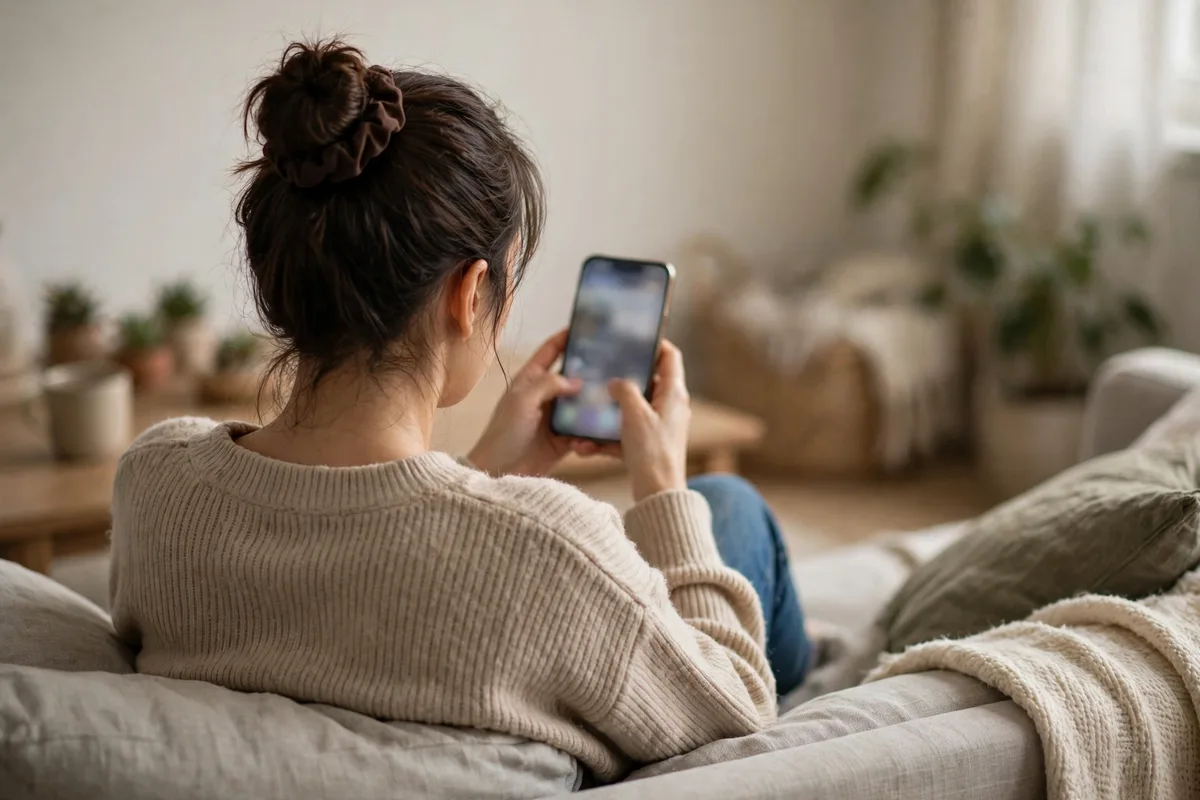
Sometimes you do not want to block or unfollow someone, but you do not want them to see a particular story either. The hide option lets you do exactly that, quietly. You could hide a story about a surprise party from the guest of honour, or hide a late-night study story from a relative who worries when you are awake at midnight. The person is not notified, and your other stories stay exactly as they were. Hiding is one of the gentlest tools available, and it is reversible whenever you change your mind.
4. Check the background before you check the filter
Most accidental oversharing hides in the background, not the subject. Before posting, look past your own face and scan the whole frame: a letter on the table, a school logo on a bag, a whiteboard with names, a parcel label, or a reflection in a mirror. A beginner once posted a cheerful desk photo and only later noticed a delivery label with her full address in the corner. Cropping slightly, or moving the object out of frame, would have solved it in seconds. Scan the background before you add stickers or text, when the image is still easy to change.
5. Be careful with location, even when it feels harmless
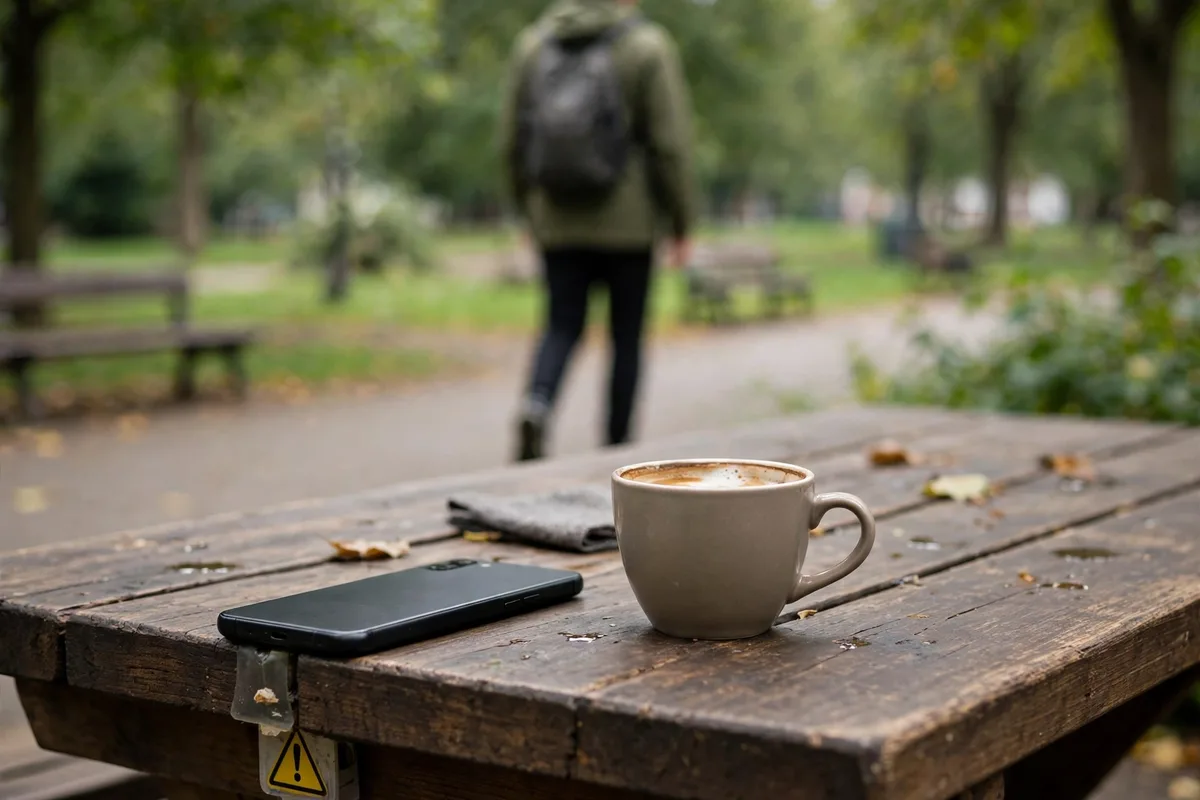
A location sticker, a recognisable street sign, or a caption saying where you are right now all tell viewers where to find you. That matters most when you post in real time. A safer beginner habit is to share the place after you have left it, or to name a city rather than an exact venue. For example, instead of posting from a small cafe as you sit there, post the coffee photo that evening. You still get the story, but nobody can walk in while you are there. The same caution applies to gyms, schools, and your own street.
6. Treat screenshots as permanent
Stories disappear after a day, but a screenshot does not. Anyone who sees your story can save it, and you cannot control where it goes next. That does not mean you should never post anything personal; it means you should post as if a friend might keep a copy. Ask yourself before sharing something sensitive: would I mind if this still existed next month? A beginner who applied this test stopped posting photos of her house keys, tickets with barcodes, and school uniforms, and her stories lost nothing.
Posting checklist
- Confirm whether your account is public or private, and why you chose that setting.
- Set up a Close Friends list with people you genuinely trust.
- Practise hiding a story from one person, so you know where the option lives.
- Scan every background for labels, signs, names, and reflections before posting.
- Delay location stories until after you have left the place.
- Ask whether you would mind if a screenshot of this story lasted beyond today.
Frequently asked questions
Is a private account enough to keep my stories safe?
It helps a great deal, because only approved followers can see them, but it is not a guarantee. Followers can still take screenshots, so the background check and the screenshot test in this guide still matter even on a private account.
Will someone know if I hide my story from them?
No, the hide option does not send a notification. The person simply will not see that story, while your other posts and your connection with them stay unchanged.
Should beginners use Close Friends for everything?
Not necessarily. If every story goes to Close Friends, your wider audience sees nothing and your account feels closed. Use it for the stories that are genuinely more personal, and share the rest normally.
What is the single easiest privacy habit for a beginner?
The background scan. It takes about five seconds, needs no settings at all, and catches the most common accidents, from parcel labels to whiteboards, before anyone else sees them.
Closing
Beginner privacy is not about fear or hiding your life; it is about choosing, story by story, who gets to see what. Set your account deliberately, learn Close Friends and hiding early, scan your backgrounds, delay your locations, and remember that screenshots last longer than stories. Those habits will carry you through your first hundred stories, and leave you free to enjoy posting instead of worrying afterwards.
Related posts
- Story Privacy And Safety for small accounts – ideas and examples you can post today
- Story Privacy And Safety using only your phone – ideas and examples you can post today