Creator Stories with photos – ideas and examples you can post today
Introduction
Photos are the oldest language of stories, and they remain the most honest one. A single good photo can show a finished piece, a work in progress, a place, a mood, or a small detail that words would take a paragraph to describe. For creators, the advantage of photo stories is that the material already exists: your work, your workspace, your tools, and your daily surroundings are all waiting to be photographed.
Good photo stories are not about expensive cameras or perfect lighting. They are about choosing one clear subject per frame, letting the photo carry the message, and adding only as much text as the image actually needs. The ideas below show how to turn ordinary photos of your own work into stories that followers enjoy opening, using nothing more than a phone and a little attention.
1. Lead with one strong photo, not five average ones
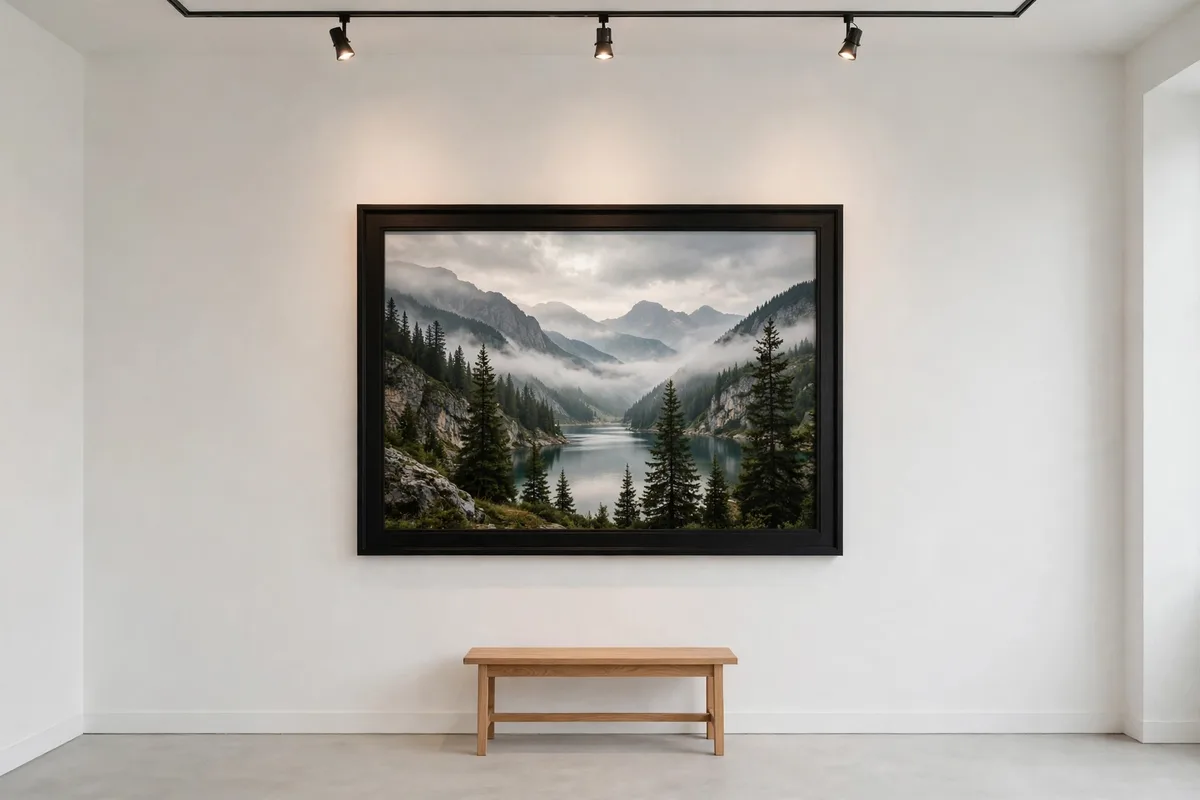
A story sequence weakens when it opens with a forgettable image, because many viewers decide within the first frame whether to keep tapping. Choose your single strongest photo for the opening frame: the finished piece in good light, the most striking detail, the view that made you reach for your phone. Let that one image earn the viewer's next tap.
Example: a jeweller finishing a silver ring might open with a close photo of the ring on a plain linen cloth in window light, with no text at all. The photo itself is the invitation, and followers who admire it will tap forward to learn how it was made, while a cluttered opening shot would have lost them immediately.
2. Tell a small story across a short photo series
Three or four photos in sequence can tell a story that one photo cannot: a beginning, a middle, and an end. Show the raw material, the work halfway done, and the finished result, in that order, with one short caption per frame. The sequence gives followers a reason to keep tapping, because each frame promises the next step.
Example: a baker might post flour and butter in the first frame, dough rising in the second, and the baked loaf cooling in the third, with a caption of a few words on each. The series is simple, but it turns an everyday task into a small narrative, and followers who watched it unfold feel they witnessed the whole process.
3. Use before-and-after photos to show real change
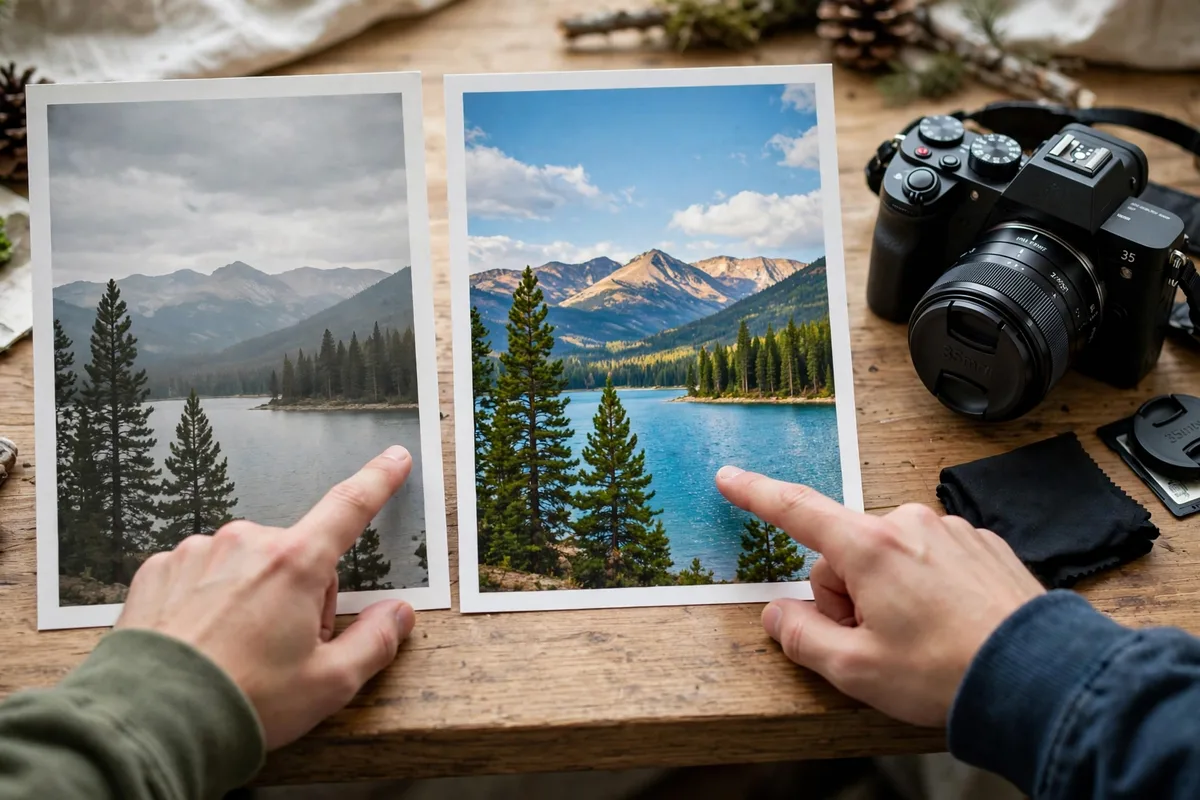
Before-and-after pairs are satisfying because they make progress visible. The trick is honesty: photograph both stages in similar light and from a similar angle, so the change is genuine and easy to compare. A dramatic but misleading pair damages trust, while an honest pair builds it, even when the change is modest.
Example: a gardener restoring a neglected balcony might photograph the bare, dusty corner first, then the same corner two weeks later with pots, soil, and new growth, shot from the same spot. The comparison is immediate, the effort behind it is obvious, and followers who watched the transformation feel invested in what grows there next.
4. Zoom in on one telling detail
Wide shots show everything and emphasise nothing, while a close-up forces the viewer to notice what you noticed. Photograph the texture of a fabric, the grain of wood, the brushstroke at the edge of a painting, or the steam rising from a fresh dish. Details reward close looking, and they signal that the creator pays attention to craft, not just to finished results.
Example: a woodworker might post an extreme close-up of a dovetail joint, with a caption naming the wood and the tool used. Followers who know the craft appreciate the precision, followers who do not learn something new, and the photo itself becomes a small lesson in what quality looks like up close.
5. Pair each photo with one honest caption line
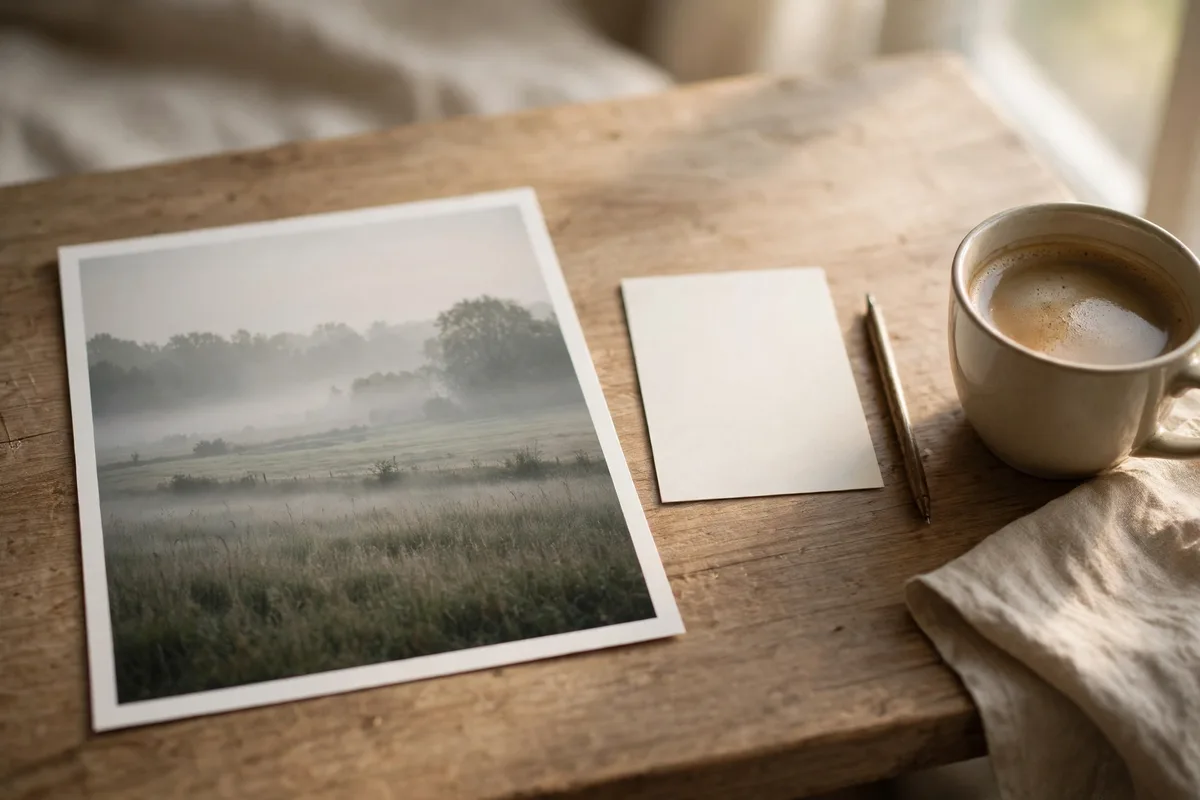
A photo story still needs words, but only a few, and they should add something the photo cannot show: why this piece matters, what went wrong, what happens next, or what you learned. Avoid repeating what is already obvious in the image; instead, give the viewer a reason to linger, such as a fact, a feeling, or a question.
Example: a painter posting a finished landscape might write, "This one took three attempts because the sky kept drying too fast." That single line adds struggle, time, and craft to an image that would otherwise look effortless, and it invites followers to ask about the process behind the result.
Posting checklist
- Open with your single strongest photo, not a filler image.
- Give each frame one clear subject and minimal text.
- Use short photo sequences to show beginning, middle, and end.
- Shoot before-and-after pairs in similar light and angle.
- Include at least one close-up detail that rewards looking closely.
- Write one honest caption line that adds what the photo cannot show.
- Check focus, light, and spelling before you post.
Frequently asked questions
Do I need an expensive camera for good story photos?
No. A phone camera in good natural light, with a steady hand and a clear subject, produces photos that work perfectly in stories. Attention to subject and light matters far more than equipment.
How many photos should a story sequence contain?
Three to five frames is usually enough. Fewer feels thin, more feels repetitive, and the strongest sequences tell a complete small story within that range.
Should I edit my photos before posting them?
Light editing is fine: straighten the frame, adjust brightness, and crop out distractions. Avoid heavy filters that change colours, because followers trust photos that look like the real work.
How do I make creator stories with photos work well?
Choose one strong subject per frame, let sequences show real progress, include honest details and close-ups, and add one caption line that gives the photo meaning beyond what it shows.
Closing
Photo stories work when the image earns its place: one strong opening, honest progress, telling details, and a caption that adds something true. You already own the material in your work and your workspace; the craft is simply in choosing which photo to show, and in what order.
Related posts
- Creator Stories with video – ideas and examples you can post today
- Creator Stories with text only – ideas and examples you can post today