Creator Stories with video – ideas and examples you can post today
Introduction
Video stories carry something photos cannot: movement, sound, and time. A viewer does not just see the finished loaf, they watch it rise; they do not just see the painting, they watch the brush move. That sense of being present is why video stories hold attention so well, even when they are filmed simply on a phone with no editing at all.
Many creators avoid video because it feels like a bigger production than a photo, but story video works best when it stays small and honest. A short clip of real work, filmed in one take, usually outperforms a heavily edited piece, because followers trust what looks unrehearsed. The ideas below show how to make video stories from work you are already doing, without turning your day into a film set.
1. Hook the first three seconds
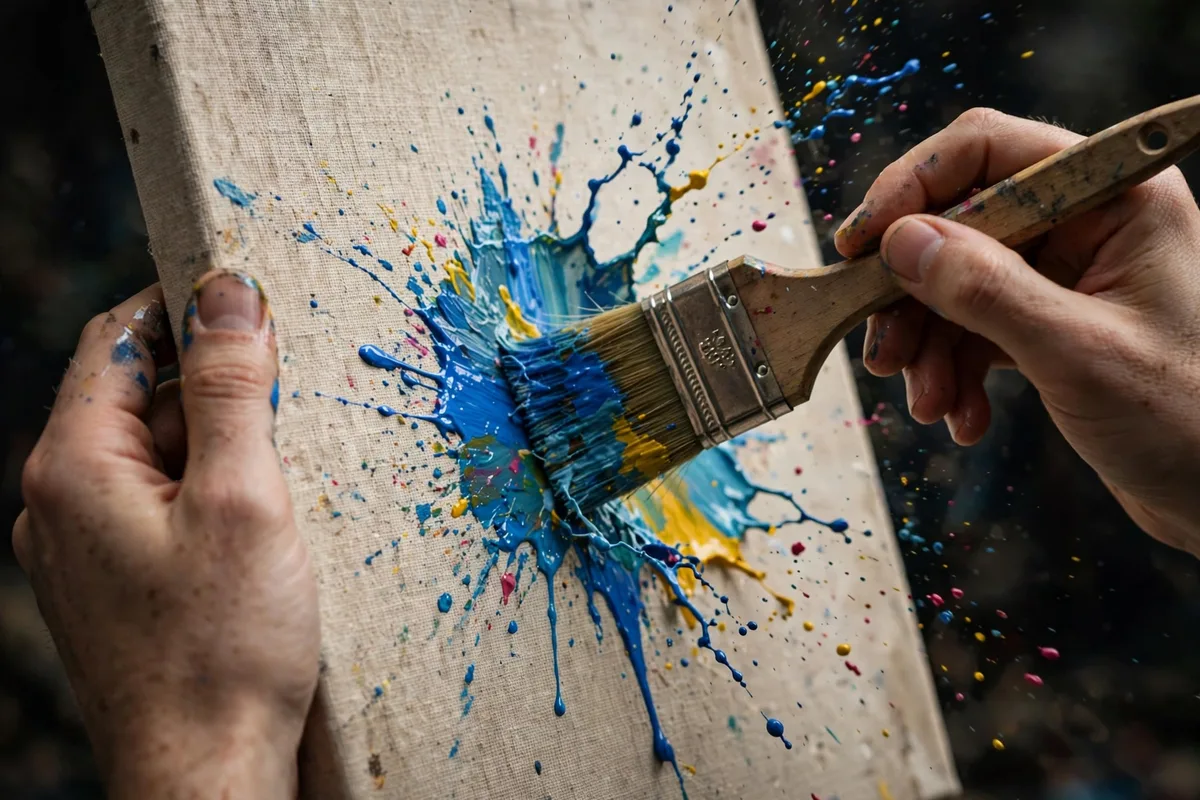
Video viewers decide fast, and the opening seconds carry the whole clip. Start with the most interesting moment, not with an introduction: the paint hitting the canvas, the dough being scored, the first note of a song, the tool meeting the material. You can explain afterwards; the hook earns the explanation by making the viewer want it.
Example: a blacksmith might open a clip with sparks flying from the anvil, holding that shot for two seconds before pulling back to show the workshop. A viewer who sees sparks keeps watching to learn what is being made, while a clip that opens with a spoken greeting would have lost many of them before the interesting part arrived.
2. Film a short talking-head update
A talking-head story is simply you, speaking to the camera for thirty to sixty seconds about something real: what you are working on, what changed this week, what you plan next. Keep it to one topic, look at the lens rather than at yourself on screen, and accept small pauses and imperfections, because they are what make the update feel like a person talking rather than a performance.
Example: a writer might film a one-minute update from a desk, explaining that a chapter took an unexpected turn and showing the notebook page where the new idea appeared. Followers who have followed the book's progress feel included in the change, and the update doubles as a promise about what comes next.
3. Show a process as a short timelapse
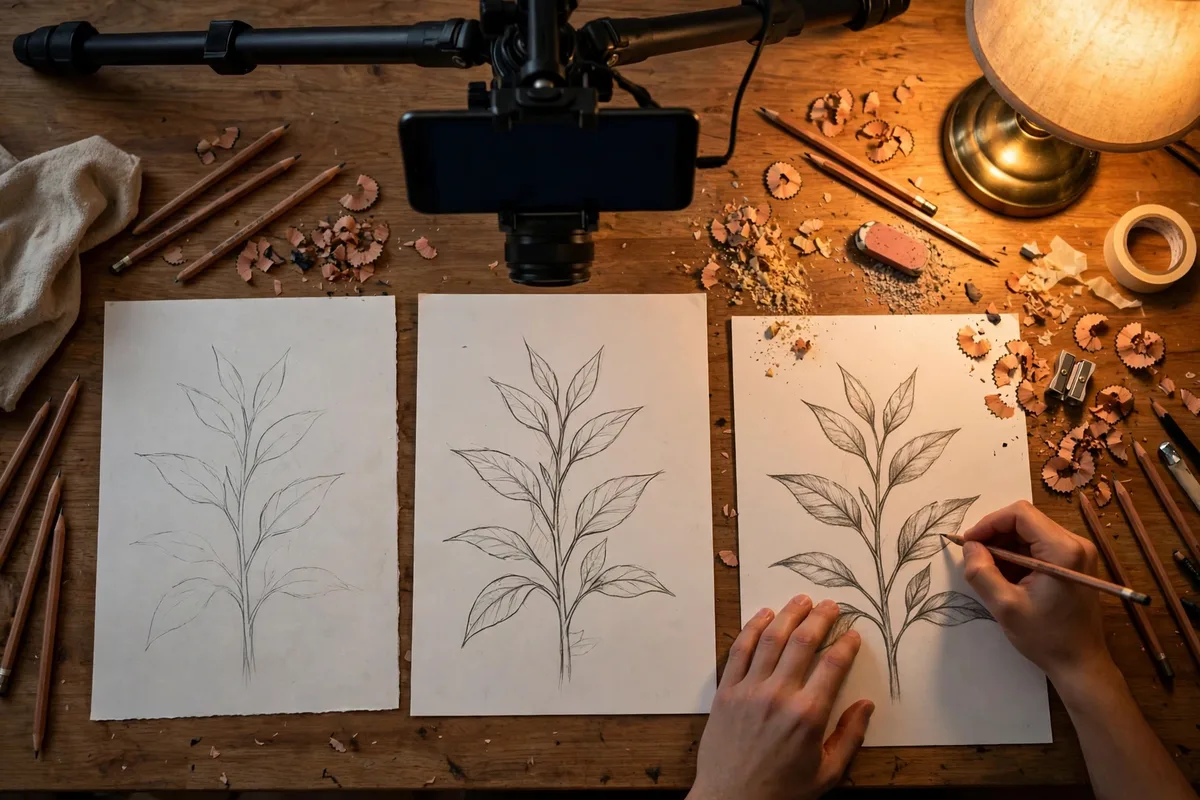
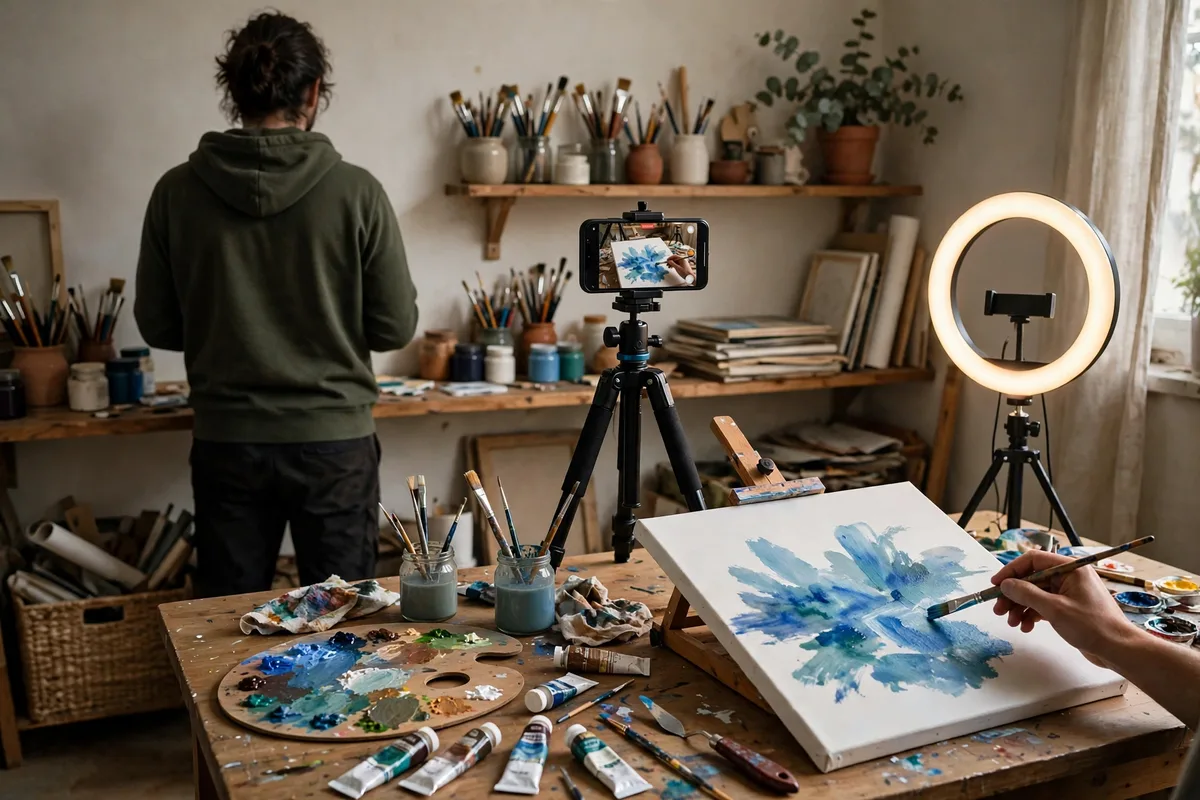
Timelapse compresses slow work into a satisfying burst, which makes it ideal for crafts, cooking, gardening, and building. Set the phone steady, film the whole process, and speed it up so minutes become seconds. The result shows effort and transformation at once, and it works even when the individual steps would be boring in real time.
Example: a calligrapher might timelapse the lettering of a single quote, from blank page to finished piece, in fifteen seconds. Viewers see the pen move, the letters form, and the page fill, and the finished artwork feels earned because they watched it appear rather than simply being shown the result.
4. Cut a day-in-the-life into short clips
A day-in-the-life story does not need to show your whole day; it needs three or four honest moments from it. Film the morning setup, one piece of work in progress, a small break or meal, and the end-of-day result, each clip lasting only a few seconds. The gaps between clips let viewers imagine the rest, which makes the day feel fuller than a continuous recording would.
Example: a florist might film opening the shop shutters, arranging one bouquet, a midday coffee beside a bucket of stems, and the finished display at closing time. Four clips, each under ten seconds, give followers a complete sense of the day without demanding much filming time from the creator.
5. Answer a follower comment on video

Video replies turn a written comment into a conversation. When a follower asks a good question or makes an interesting point, answer it in a short clip instead of text: read the question aloud, answer it plainly, and show the relevant work if you can. The follower feels recognised, other viewers see that comments lead to real responses, and you gain content from material your audience already provided.
Example: a cyclist who is asked how steep a local hill really is might film the climb itself, breathing honestly on camera, and answer at the top. The reply is more convincing than any written description, and it encourages other followers to ask questions that could become future clips.
Posting checklist
- Open with the most interesting moment, not an introduction.
- Keep each clip short: one topic, one idea, one minute at most.
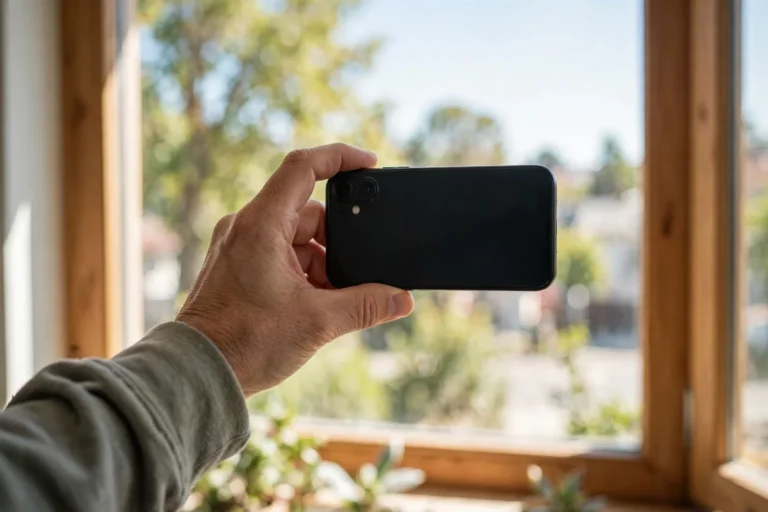
- Film in good light with the phone held steady, vertical framing.
- Use captions or on-screen text so silent viewers can follow.
- Show real work in progress, not only finished results.
- Check sound levels so your voice stays clear over background noise.
- Review each clip once for focus, framing, and honest content.
Frequently asked questions
How long should a story video be?
Fifteen to sixty seconds is the sweet spot. Shorter clips feel rushed, longer ones lose viewers, and a single clear idea fits comfortably inside one minute.
Do I need to edit my story videos?
Rarely. A single steady take, trimmed at the start and end, is usually enough. Save heavy editing for longer formats, and let story video stay quick, honest, and close to real life.
What if I dislike how I look or sound on camera?
Most creators feel that way at first, and it fades with practice. Start with hands-and-work clips that do not show your face, then try short voiceovers, and build up to talking-head updates when you feel ready.
How do I make creator stories with video work well?
Hook the first seconds, keep one idea per clip, film real work steadily in good light, add captions for silent viewers, and answer follower comments on camera whenever a good question arrives.
Closing
Video stories work when they stay close to real work: a strong opening moment, one clear idea per clip, steady filming, and honest sound. You do not need a studio or an editing suite; you need a phone, good light, and the willingness to let followers watch the work happen.
Related posts
- Creator Stories with photos – ideas and examples you can post today
- Creator Stories with music – ideas and examples you can post today