Creator Stories using only your phone – ideas and examples you can post today
Introduction
You do not need a studio, a camera, a laptop, or a shelf of editing software to make a good creator story. Your phone already contains a camera, a microphone, a simple editor, a photo library, and the app where the story will live. Many creators delay posting because they believe they need better gear, but gear is rarely the real barrier. The real barrier is believing that a phone-made story counts, and it absolutely does, when the idea is clear and the work is your own, because viewers judge the story, not the equipment behind it.
This post is about creator stories using only your phone, with ideas that take you from filming to posting without ever leaving the device in your hand. Every example below uses your own work and your own words, and every idea can be completed on a phone, in one sitting, with tools you already own. Start where you are, with what you have, and let the phone do the rest.
1. Film in natural light, close to a window

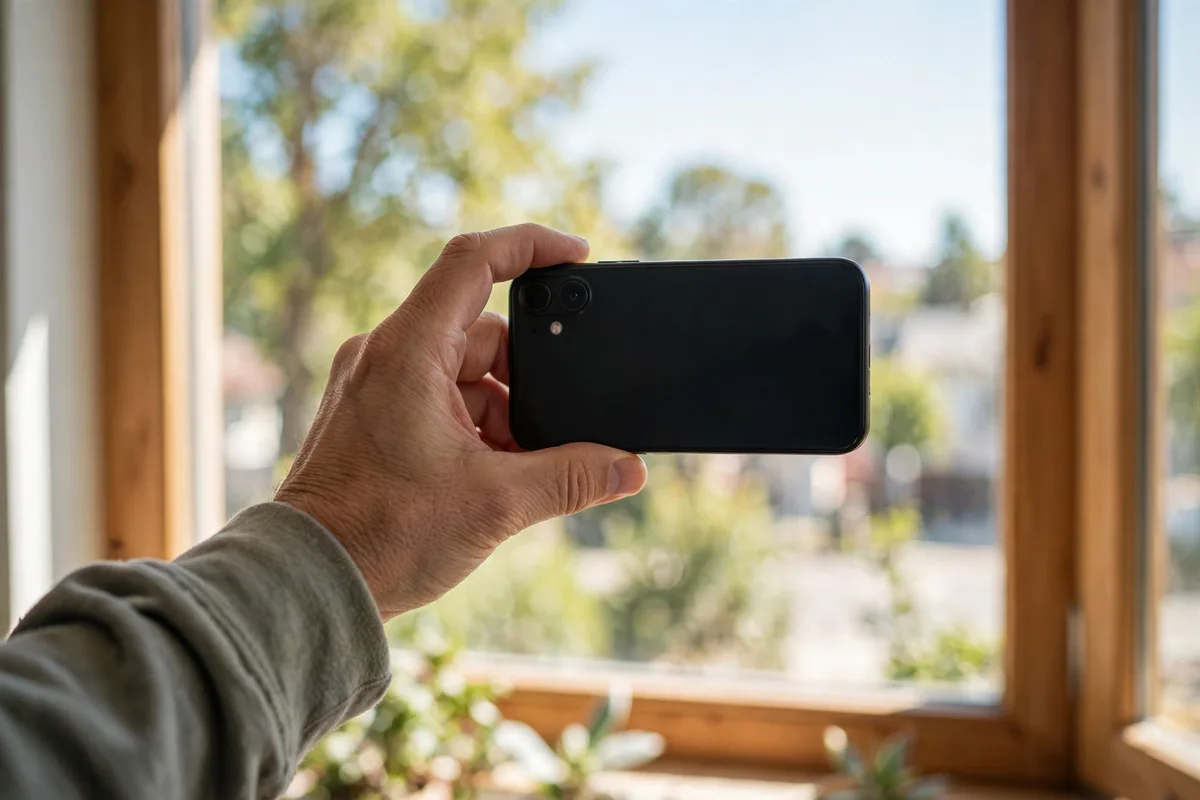
Light matters more than any other single factor in a phone story, and the best light is free: daylight from a window. Move your work, or yourself, to within a few steps of a window, turn off harsh overhead lights that cast yellow tones, and let soft daylight do the work. Film with the light falling on your subject, not behind it, or your subject will become a silhouette. For example, a creator who makes soap might place a cutting board of freshly cut bars beside a bright window, film a slow pan across the colours and textures, and add the caption, "Today's batch, cut this morning and smelling wonderful." No lamp, no reflector, and no extra device was involved, and overcast light is actually good news.
2. Edit inside the story app, in under five minutes
Phone stories do not need elaborate editing. The story app itself can trim a clip, add text, draw a simple arrow, or place a sticker, and those built-in tools are often all a story needs. Over-editing on a phone, jumping between three apps and a dozen filters, usually produces a story that looks busier but says less. A cleaner habit is to film one steady clip, trim the shaky start and end inside the app, add one short caption, and post. For example, a creator who journals might film a page being filled with morning notes, trim the clip to the ten most satisfying seconds inside the app, and add the words, "Morning pages, done before breakfast." The whole process, filming included, takes about five minutes.
3. Use your camera roll as a story archive
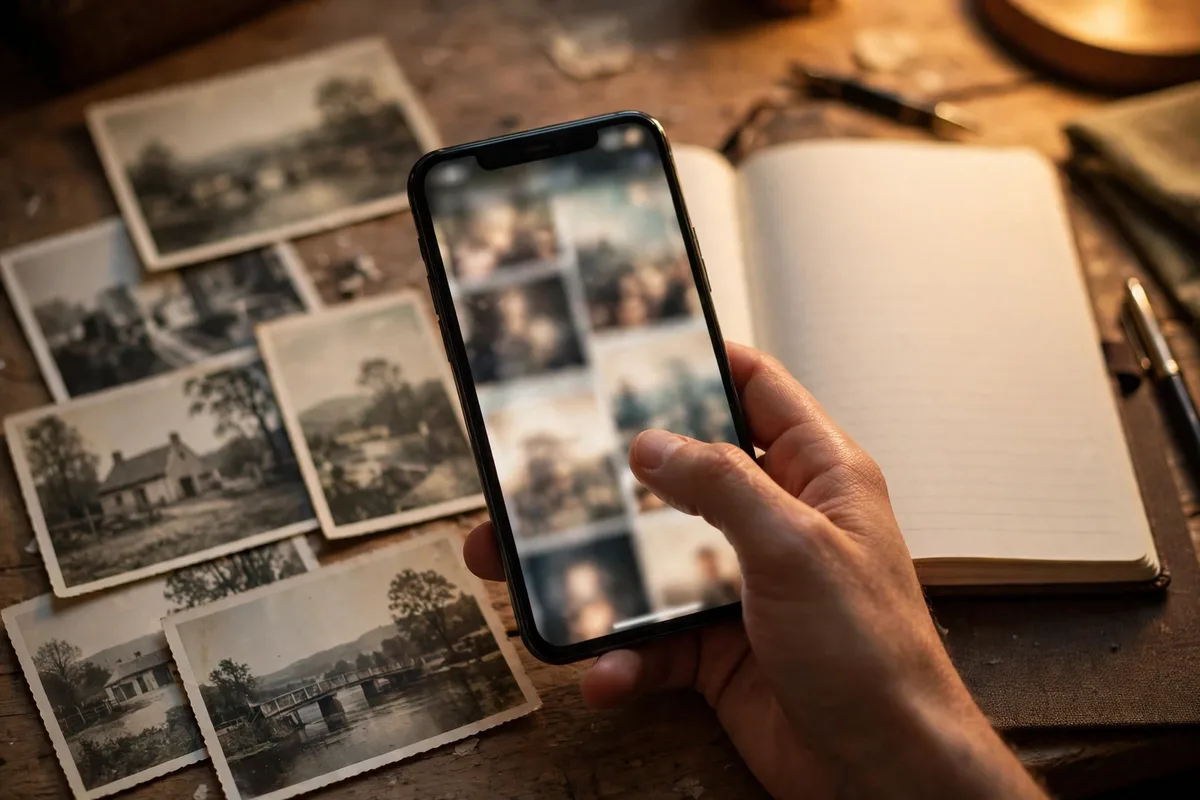
Your camera roll is not just storage, it is a library of future stories. Every photo of work in progress, every short clip you filmed but never posted, every screenshot of a kind message or a useful note is potential story material, already filmed and waiting. On days when filming feels impossible, searching your camera roll for one strong older image, and pairing it with a fresh caption about what you notice now, produces a genuine story in minutes. For example, a creator who knits might find a photo from last winter of a half-finished sweater, and post it captioned, "Found this in my camera roll, and I still remember struggling with that sleeve." Followers enjoy the memory, and the creator gains a story without filming anything new.
4. Record a short voice note over a photo
Some stories are better spoken than written, and a phone makes voiceover effortless. A single photo of your work, paired with a calm voice explaining one decision, one mistake, or one discovery, feels personal and expert at the same time. Viewers hear a real person thinking, and that thinking is often more valuable than the image itself. You do not need a script: two or three sentences, spoken slowly in a quiet room, are enough. For example, a creator who photographs street scenes might post a photo of a quiet alley in morning light, with a voice note saying, "I waited ten minutes for the street to empty, because the shadow was doing all the work." That short explanation teaches viewers how to look, not just what to look at.
5. Build a phone-only weekly series with one format
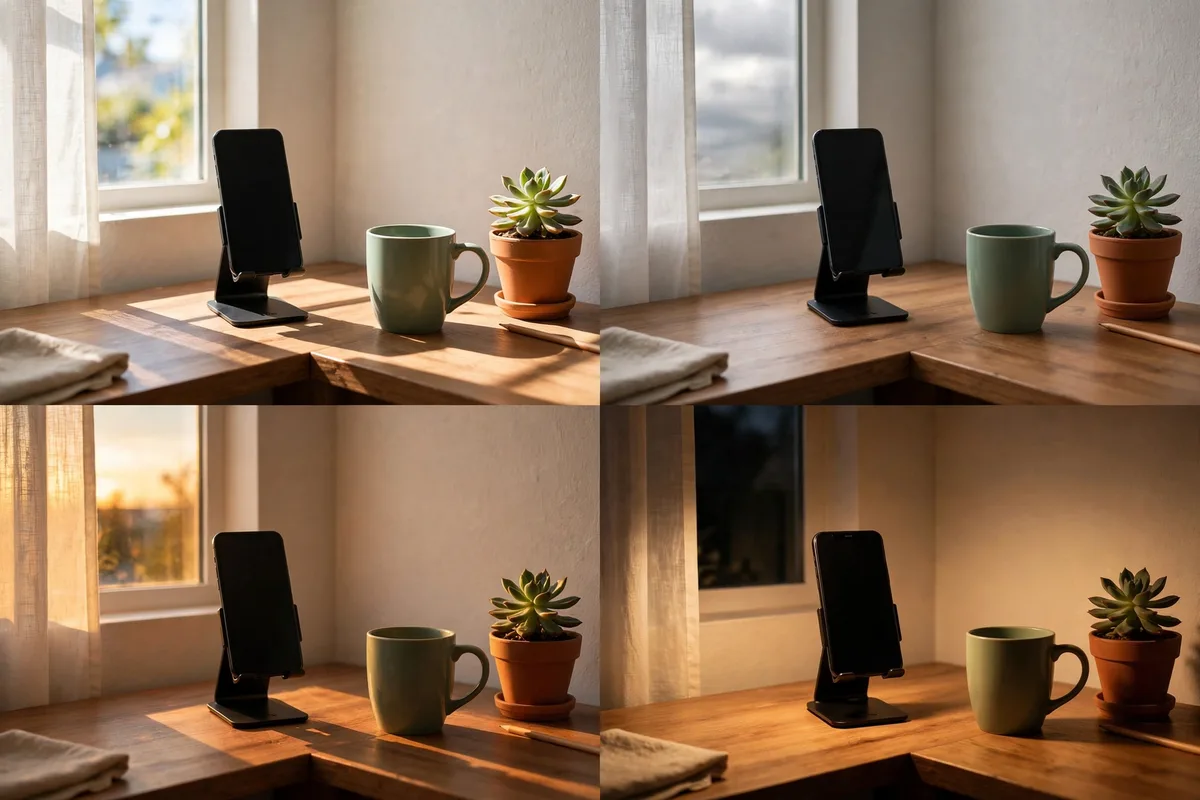
A repeatable phone-only format removes daily decision fatigue. Choose one simple format you can film, edit, and post entirely on your phone, give it a plain name, and repeat it weekly. The format could be a Monday workbench photo, a Wednesday ten-second process clip, or a Friday voice note about one lesson from the week. Because the format never changes, you never wonder what to post, and followers learn to expect and enjoy it. For example, a creator who grows herbs might post a Friday phone story called balcony check, filming the same pots in the same order each week, noting what grew, what struggled, and what will be harvested.
Posting checklist
- Film near a window in soft, natural daylight.
- Keep clips steady, short, and trimmed inside the app.
- Add one short caption in large, readable text.
- Check the frame for private details before posting.
- Use your camera roll for strong older photos when needed.
- Record voice notes in a quiet room, close to the phone.
- Post from the phone, then note one idea for next time.
Frequently asked questions
Do phone stories look unprofessional?
No. Viewers judge stories by clarity, honesty, and usefulness, not by the device that filmed them.
What is the simplest phone editing workflow?
Film one clip, trim the start and end inside the story app, add one short caption, and post.
How do I keep phone footage steady without a tripod?
Rest the phone on a stack of books, lean it against a mug, or hold it with both hands tucked against your body.
Should I film vertically or horizontally for stories?
Film vertically, holding the phone upright, because stories fill a vertical phone screen.
Closing
Creator stories using only your phone work best when you trust the device you already carry. Film in window light, edit inside the app, mine your camera roll, add a short voice note, and repeat one simple weekly format.
Related posts
- Creator Stories in under 5 minutes – ideas and examples you can post today
- Creator Stories for engagement – ideas and examples you can post today