Creator Stories for behind the scenes – ideas and examples you can post today
Introduction
Behind-the-scenes stories are popular because they answer the question every viewer quietly asks: how was this actually made? A finished piece hides its effort, while a behind-the-scenes story reveals the desk, the drafts, the mistakes, and the small choices that shaped it. This post is about creator stories for behind the scenes, with practical ideas and original examples you can adapt to your own creative work. The rule is simple: show your own process, in your own workspace, and explain one part of it clearly. Viewers do not need your whole method, just one honest window into it.
1. Show your workspace as it really looks

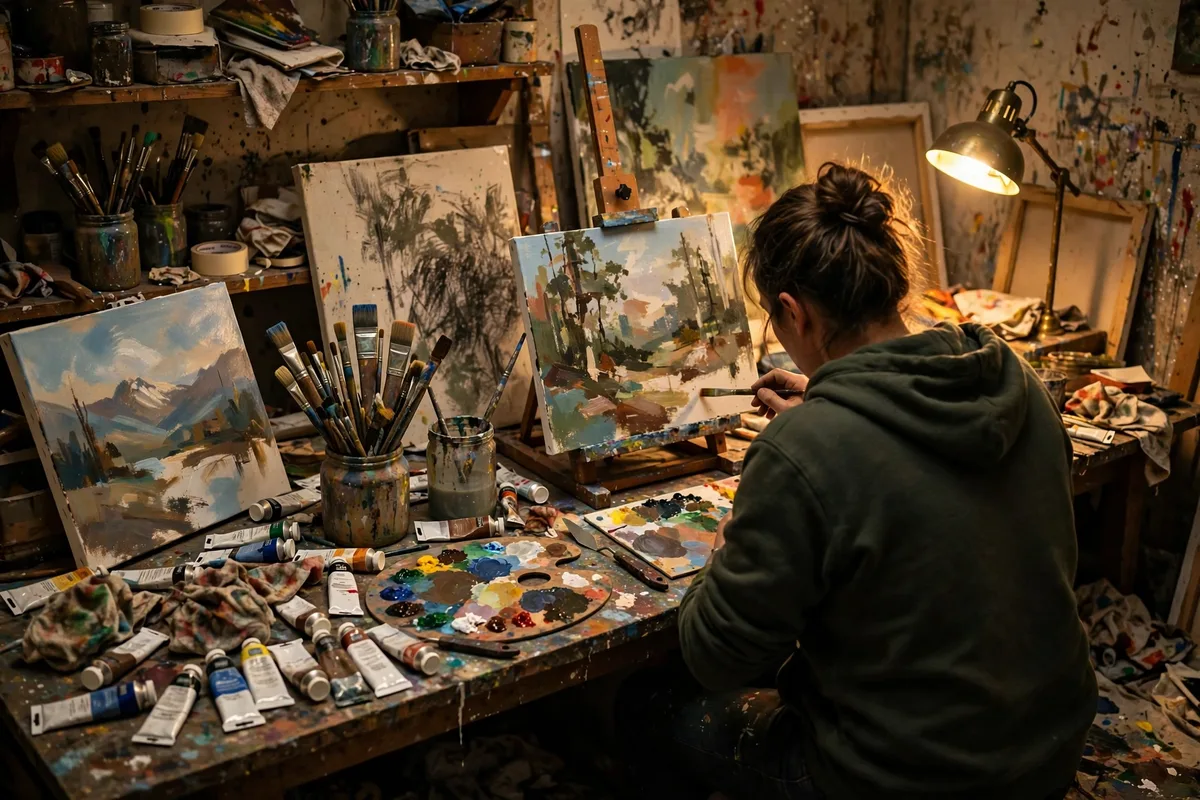
A workspace photo tells viewers more than a list of tools ever could. Show the desk mid-project, with materials out, notes visible, and the current piece in progress, rather than a staged tidy version that hides how work happens. Add one line explaining what stage the work is at. Example: a comic artist might photograph ink bottles, rough pencils, and a half-inked page, writing "Inking page six, pencils for page seven beside it." A baker-creator might show flour on the counter and trays ready for the oven, noting that the mess is part of baking day. A real workspace builds trust, while a perfect one raises suspicion.
2. Reveal one step viewers usually miss
Every creative process has a hidden step that surprises viewers, such as testing, drying, editing, or labelling. Pick one such step and show it plainly, explaining why it matters to the final piece. This kind of story teaches something, which makes it more valuable than a simple tour. Example: a weaver might show yarn being measured and wound before any weaving begins, explaining that uneven winding causes uneven cloth. A video creator might show colour correction on one clip, comparing the flat original with the graded version. One hidden step, well explained, gives viewers a new way to appreciate finished work.
3. Share a failed take or a rejected draft
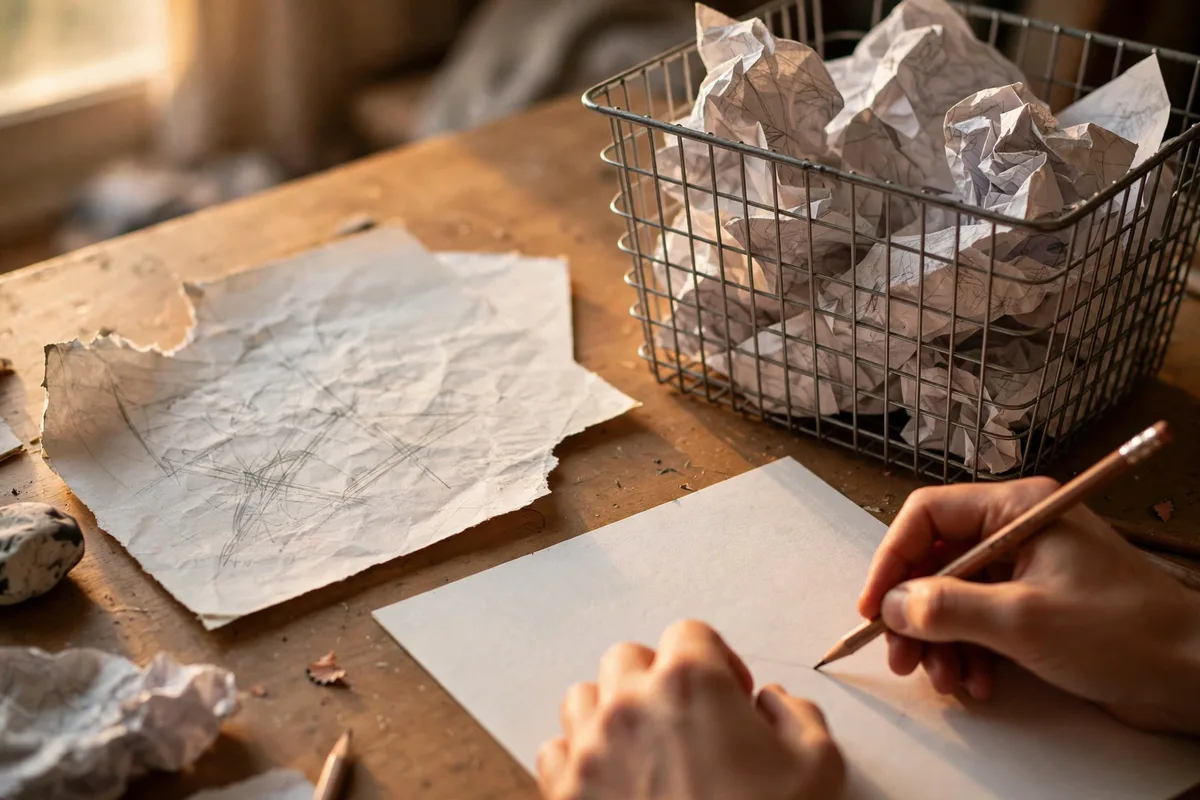
Failed attempts are the most relatable behind-the-scenes material, because every creator has them and few show them. Photograph a rejected sketch, play a flubbed line, or show a collapsed prototype, and say what you learned from it. Keep the tone light, not self-pitying, and show the improved version if one exists. Example: a potter might show a bowl that slumped in firing beside the successful second attempt, noting that a thicker base fixed the problem. A songwriter might share two versions of one chorus, explaining why the simpler second version won. Failures shown honestly make success believable.
4. Introduce the tools you actually use
Viewers often ask about tools, and a behind-the-scenes story is the natural place to answer. Show the three or four tools you reach for most, name them plainly, and say what each one does for you. Avoid a long equipment list, which reads like a catalogue, and avoid claiming a tool you rarely use. Example: a watercolourist might photograph two brushes, one palette, and a water jar, explaining that the large brush covers washes and the small one handles detail. A woodcarver might show a favourite gouge, a mallet, and a sharpening stone, noting that sharp tools matter more than many tools. Practical tool stories help beginners start without overspending.
5. Show the people and help behind the work

Creative work is rarely solo, even when the final piece carries one name. A behind-the-scenes story can thank a helper, show a collaborator at work, or explain a task someone else handles, with their permission. This gives viewers a fuller picture and credits people fairly. Example: a photographer might show an assistant holding a reflector during a shoot, explaining how that light shaped the portrait. A writer might photograph a friend reading a draft with a pencil, noting that one margin comment fixed a weak chapter ending. Crediting help honestly strengthens a creator's reputation, while hiding it eventually undermines trust.
Posting checklist
- Pick one behind-the-scenes moment, not your whole process.
- Use your own photos or clips from your own workspace.
- Explain one step, tool, or decision clearly.
- Show real mess and real drafts, not a staged set.
- Get permission before showing or naming any helper.
- Check spelling, names, and tool details before you post.
- Save the idea so you can reuse the format for other projects.
Frequently asked questions
How much of my process should I reveal?
Reveal one step or one moment per story. Your full method can stay private, while single windows into it satisfy curiosity and protect your distinctive techniques.
Will showing failures harm my reputation?
No, when failures are paired with learning. A failed take followed by a fix shows skill and honesty, while hiding all failures makes finished work look effortless and unrelatable.
Do behind-the-scenes stories need video?
No. A photo series with short captions can explain a process just as well. Use video only when movement matters, such as a technique in action or a before-and-after change.
How often should I post behind-the-scenes stories?
Whenever a project reaches an interesting stage. One or two per project is plenty, and spreading them across the project keeps viewers following without spoiling the finish.
Closing
Creator stories for behind the scenes work best when they are specific and honest. One real workspace, one hidden step, or one learned failure gives viewers a reason to value the finished piece more.
Related posts
- Creator Stories for launches – ideas and examples you can post today
- Creator Stories for tutorials – ideas and examples you can post today